Vorstman's guide
to the
mammals
of Europe
A guide for the field: features, similar species, tracks and signs, and the best moments to look — arranged by order, family and genus.
Scope and method
Mammals are seldom seen and almost never heard; what you find is the sign. Each account in this guide therefore carries not a recording but a block of tracks and signs: the footprint, the droppings and the feeding, digging or nesting traces the animal leaves behind. Each account sets those signs alongside the field marks, the species with which confusion genuinely occurs, and the conditions under which the animal is to be expected: activity, time of day, habitat and range.
The species follow the order of the family tree: by clade, order, family and genus. It shows at a glance why a hare does not sit with the rodents, a hedgehog not with the shrews, and a bat closer to the carnivores than to the mice.
The family tree of Europe's mammals
14 clades, 11 orders, 46 families, 336 species
The tree works down layer by layer: from the main branches of the mammal tree through ever smaller clades to orders, families and species. Every clade has a name — some familiar, some coined only recently. Where the genetic support is weak, it says so.
-
Mammals Mammalia
336 species
-
Marsupials Marsupialia
Mammals that give birth to a minute young which grows on at the teat, usually in a pouch. Not native to Europe: the single species in this guide was introduced and has held on. 1 species
-
Placental mammals Placentalia
Mammals whose young are nourished in the womb by a placenta and are born well developed. Every European mammal belongs here. 335 species
-
The southern branch Atlantogenata
The branch left behind when Africa and South America broke away from the northern continents. In Europe it reaches only the southern fringe. 2 species
-
Afrotherians Afrotheria
2 species
-
-
The northern branch Boreoeutheria
Almost the whole European mammal fauna comes from this single branch. 333 species
-
Primates and rodents Euarchontoglires
145 species
-
Primates and relatives Euarchonta
1 species
-
Rodents and lagomorphs Glires
Two orders with ever-growing rootless incisors and a toothless gap behind them; together almost half of all European mammal species. 144 species
-
 Lagomorphs
Lagomorpha
10 species
Lagomorphs
Lagomorpha
10 species
-
 Rodents
Rodentia
134 species
Gundis Ctenodactylidae 1Old World porcupines Hystricidae 2Dormice Gliridae 6Squirrels and marmots Sciuridae 21Beavers Castoridae 2Jerboas Dipodidae 4Birch mice Sminthidae 6Voles and hamsters Cricetidae 40Mice and rats Muridae 34Blind mole-rats Spalacidae 16Spiny rats and coypu Echimyidae 1Cavies and maras Caviidae 1
Rodents
Rodentia
134 species
Gundis Ctenodactylidae 1Old World porcupines Hystricidae 2Dormice Gliridae 6Squirrels and marmots Sciuridae 21Beavers Castoridae 2Jerboas Dipodidae 4Birch mice Sminthidae 6Voles and hamsters Cricetidae 40Mice and rats Muridae 34Blind mole-rats Spalacidae 16Spiny rats and coypu Echimyidae 1Cavies and maras Caviidae 1
-
-
-
Insectivores, bats, carnivores and ungulates Laurasiatheria
188 species
-
 Hedgehogs, shrews and moles
Eulipotyphla
41 species
Hedgehogs, shrews and moles
Eulipotyphla
41 species
-
Bats, carnivores and ungulates Scrotifera
147 species
-
 Bats
Chiroptera
57 species
Bats
Chiroptera
57 species
-
Carnivores and ungulates Fereuungulata
A branch put together by genetics that the eye would never guess: the wolf is closer to the deer than to the hedgehog. 90 species
-
True ungulates Euungulata
44 species
-
-
-
-
-
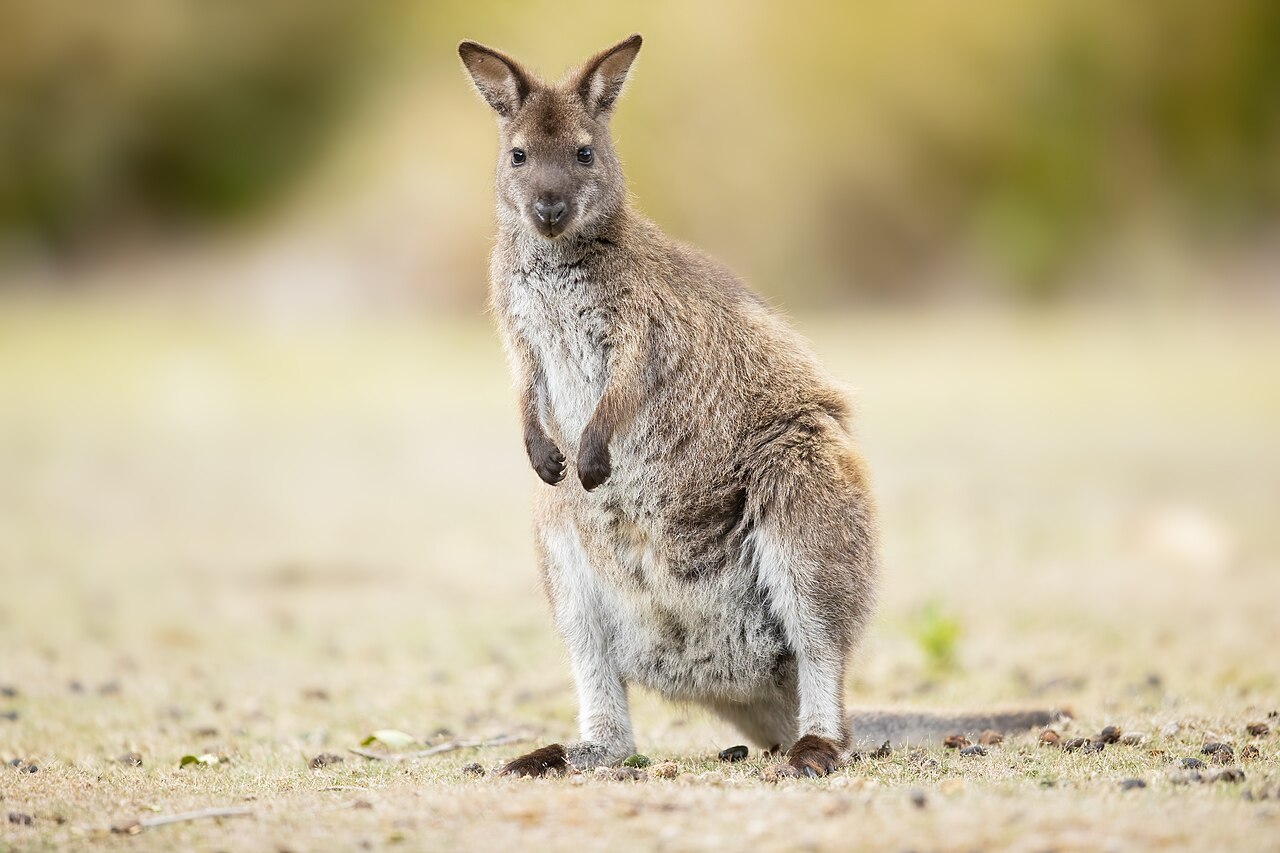
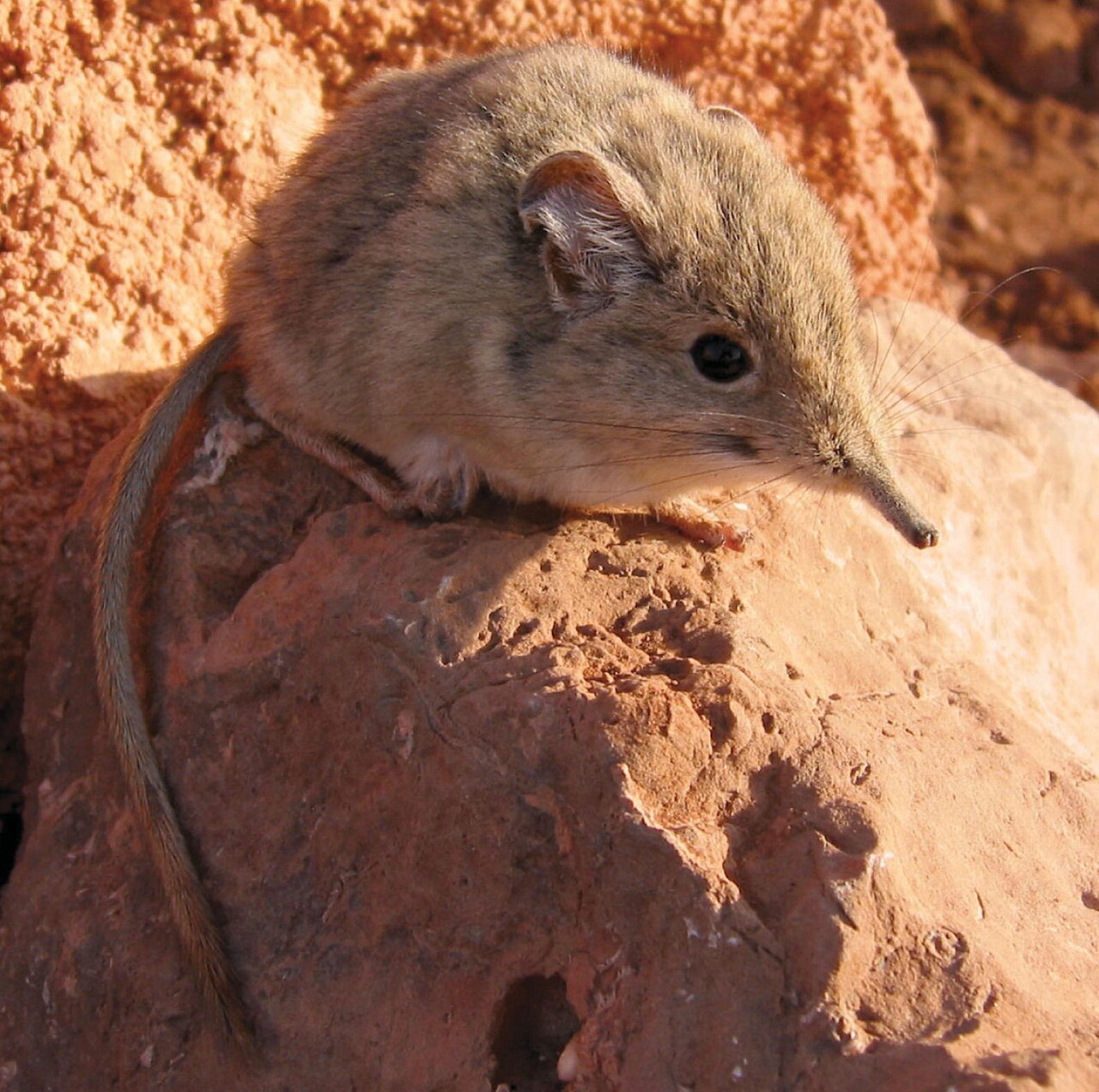

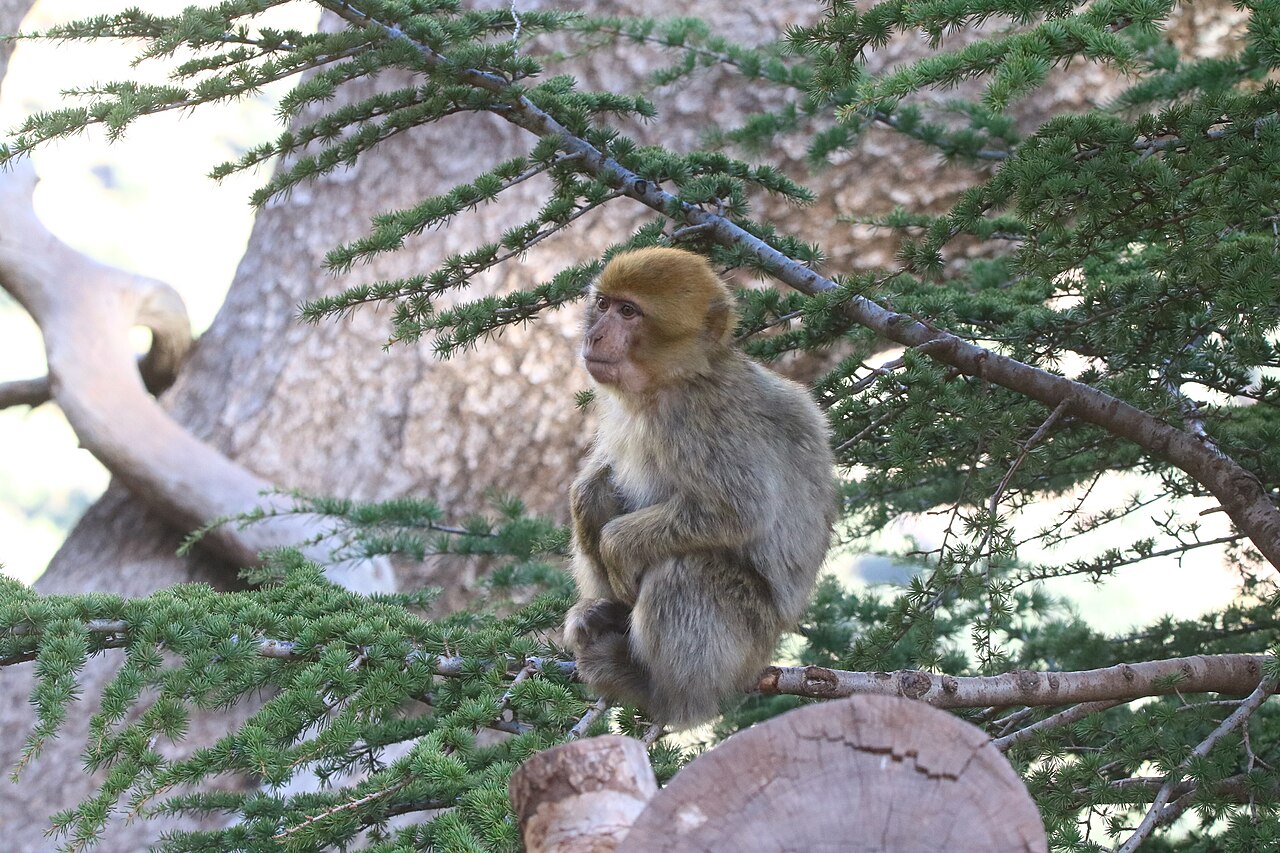
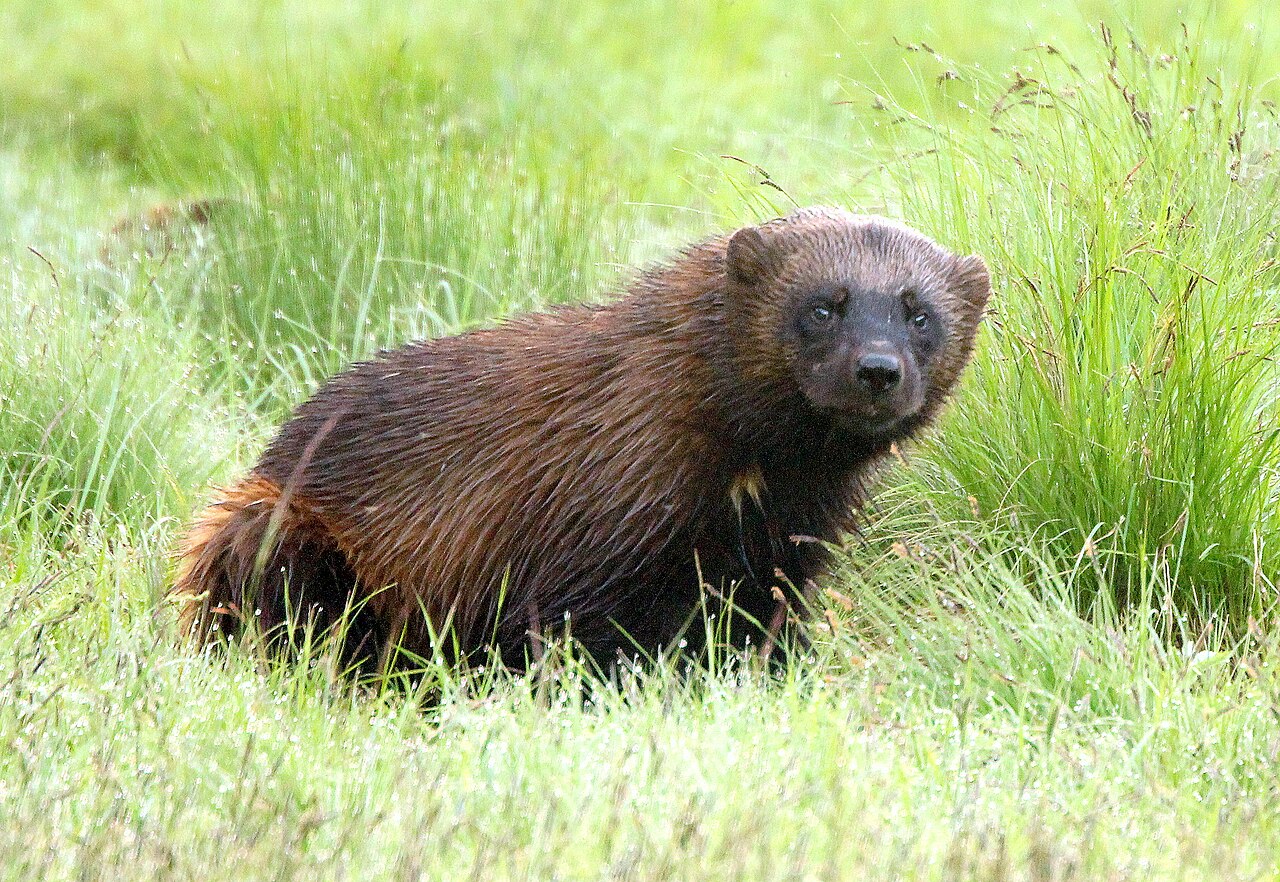


Source of the arrangement: The arrangement and sequence of orders, families, genera and species follow the Mammal Diversity Database v2.5 (ASM, 28 July 2026); the clades above them follow the accepted phylogeny of the placental mammals. Mammal Diversity Database v2.5 (ASM) · Foley et al. 2023, Science 380, eabl8189 (Zoonomia)
About this site
Mammals of Europe is an educational site about the mammals of the European continent, made for people who want to go beyond a first identification. It is deliberately lightweight: static HTML, no trackers, no cookies.
On your phone
This site can also be used as an app: with its own icon on your home screen, and without the browser's address bar around it. Nothing comes from an app store — it is the same site, just opened differently, with no install step and no account.
On iPhone and iPad (Safari)
- Open this site in Safari.
- Tap the share icon at the bottom — the square with an arrow pointing up.
- Scroll down to “Add to Home Screen” and tap it.
- Change the name if you like, then tap “Add” in the top right.
On Android (Chrome)
- Chrome usually shows an “Install app” bar at the bottom — tap it.
- If that bar doesn't appear, tap the three-dot menu in the top right instead.
- Choose “Install app” or “Add to Home screen” and confirm with “Install”.
Samsung Internet phrases this slightly differently: “Add page to”, then “Home screen”.
The language you get is whichever one you were reading the site in when you added it — for a different language, open the site in that language first and add it from there.
Nothing else changes: the same pages, the same content, still over the internet, just without the browser's own bar around it.
Taking it off again
- iPhone/iPad: press and hold the icon, choose “Delete App”, then “Remove from Home Screen”.
- Android: press and hold the icon and drag it to “Remove”, or choose “Uninstall”.