
Vorstman's Guide to the Birds of Southern Africa
A guide for birdwatchers: field marks, confusion species, sound and the best moments to look — arranged by order, family and genus.
Scope and method
Field identification rests to a large degree on sound. Many species are heard before they are seen, and among closely similar species call or song is often the only character that settles the matter at any distance. Each account therefore sets a recording alongside the field marks, the species with which confusion genuinely occurs, and the conditions under which the bird is to be expected: season, time of day, habitat and range.
The species follow the order of the family tree: by clade, order, family and genus. It shows at a glance why a wryneck sits with the woodpeckers, a bittern with the herons and a falcon with the passerines.
The family tree of the birds of southern Africa
25 clades, 30 orders, 112 families, 1229 species
The tree works down layer by layer: from the main branches of the bird tree through ever smaller clades to orders, families and species. Every clade has a name — some familiar, some only coined in 2024. Where the genetic support is weak, it says so.
-
Birds Aves
1229 species
-
Ratites and tinamous Palaeognathae
The oldest branch of modern birds, standing opposite all other birds together. In southern Africa represented by the ostrich. 1 species
-
Birds with a flexible palate Neognathae
1228 species
-
Fowl Galloanserae
With the gamebirds, the oldest branch of modern birds apart from the ratites. 45 species
-
All other modern birds Neoaves
Nineteen out of twenty bird species belong here; the group fanned out rapidly after the mass extinction 66 million years ago. 1183 species
-
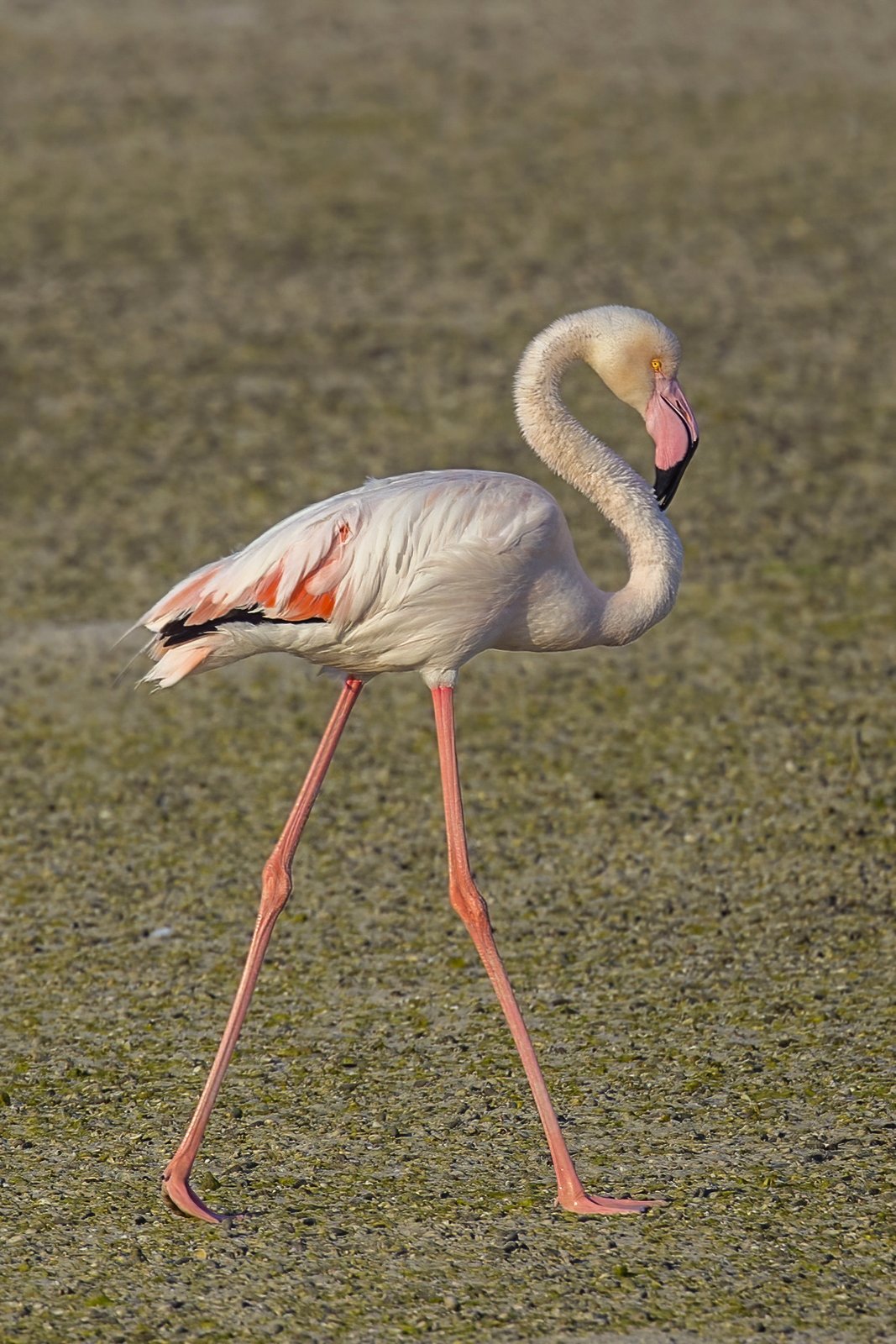
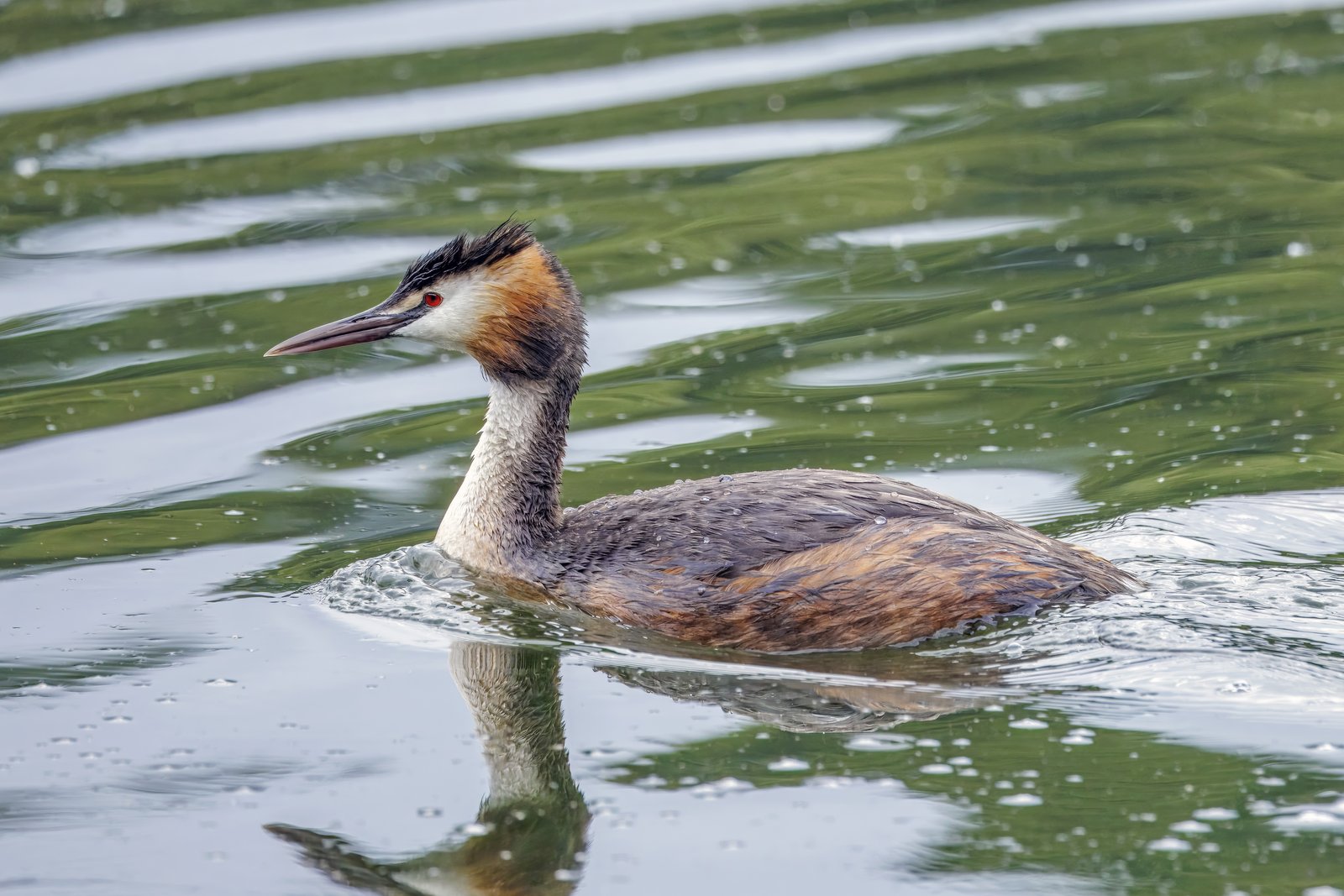
Flamingos and grebes Mirandornithes
The first branch of Neoaves: two groups that look nothing alike yet are each other's closest relatives; in this guide represented only by the flamingos. 5 species
-
Doves, turacos and allies Columbaves
Doves and sandgrouse alongside bustards, turacos and cuckoos. 66 species
-
Bustards, turacos and cuckoos Otidimorphae
The turacos stand opposite bustards and cuckoos together; the branches follow one another so closely that their order differs between studies. 45 species
-
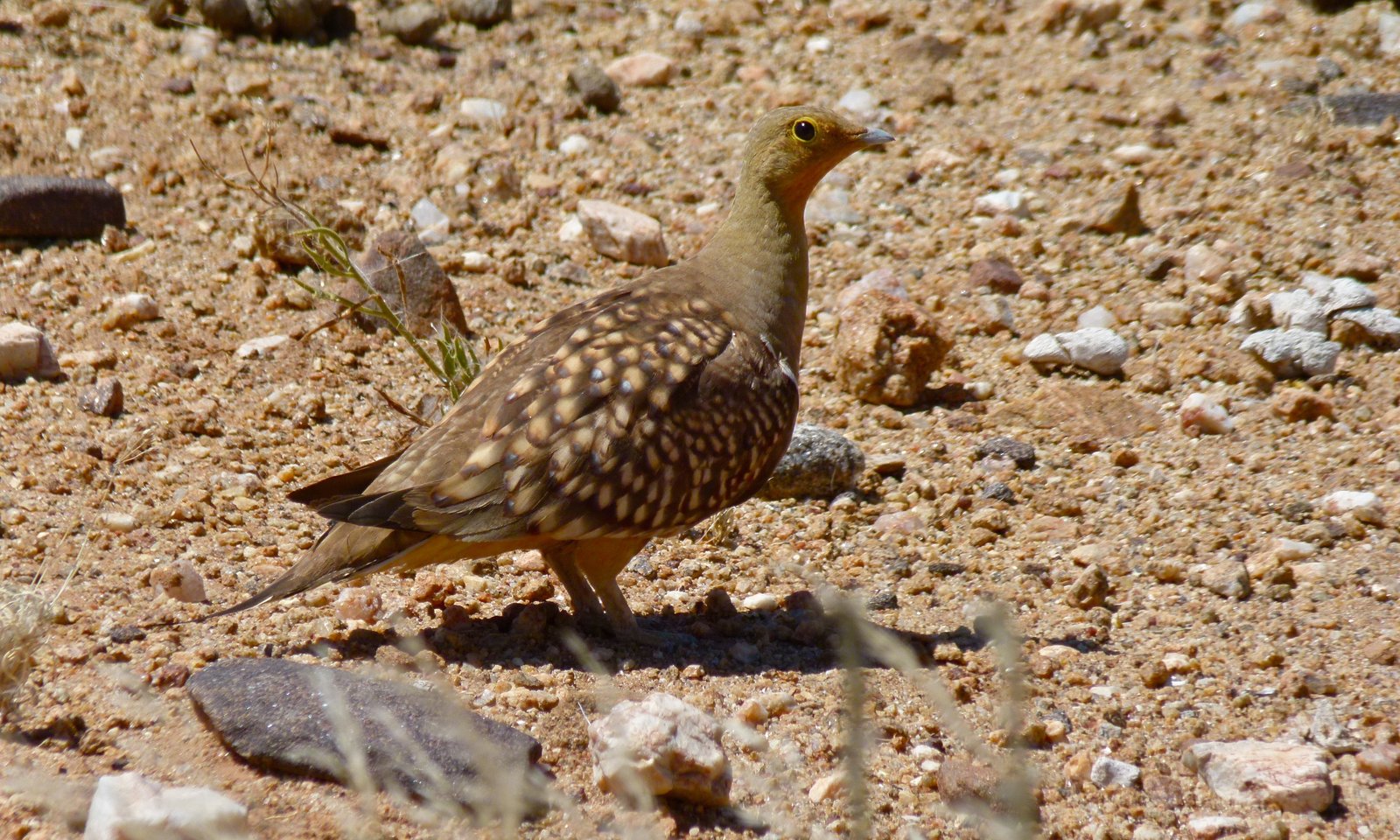
Doves and sandgrouse Columbimorphae
Sandgrouse of the dry plains alongside the pigeons and doves; two groups that are each other's closest relatives. 21 species
-
-
Elementaves Elementaves
Newly named in 2024, after birds that excel in earth, air, water and sun. Support for this branch is reasonable but not equally strong in every analysis. 284 species
-
Cranes and waders Gruimorphae
Rails and cranes form one branch with all waders, gulls and terns — plus the hoatzin, the least certain position in the whole tree. 148 species
-
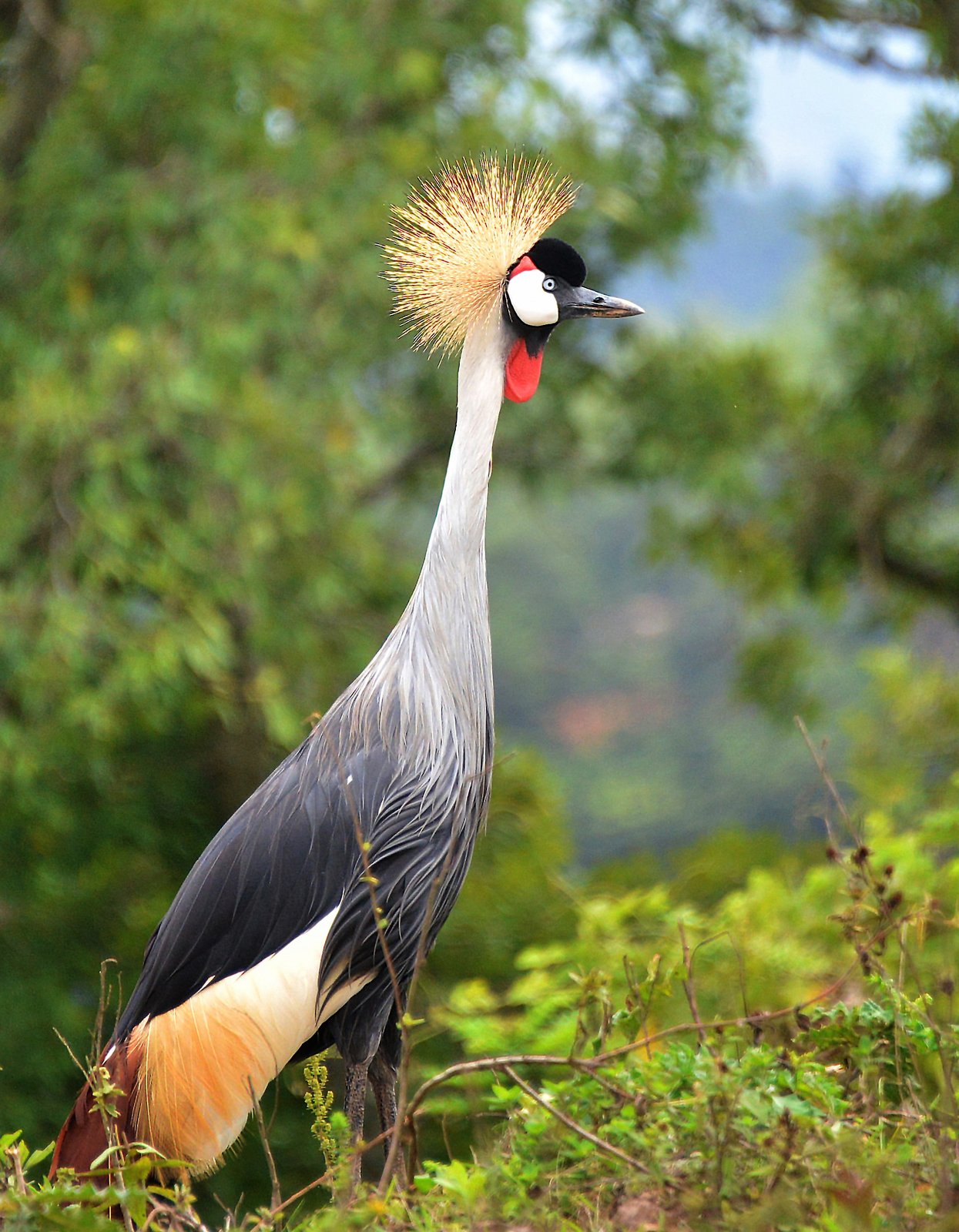 Cranes, rails and allies
Gruiformes
25 species
Cranes, rails and allies
Gruiformes
25 species
-
 Waders, gulls and terns
Charadriiformes
123 species
Plovers and lapwings Charadriidae 22Stone-curlews Burhinidae 2Pratincoles and coursers Glareolidae 8Oystercatchers Haematopodidae 2Gulls and terns Laridae 36Avocets and stilts Recurvirostridae 2Painted-snipes Rostratulidae 1Sandpipers and snipes Scolopacidae 35Skuas Stercorariidae 6Buttonquails Turnicidae 3Sheathbills Chionidae 2Crab Plover Dromadidae 1Jacanas Jacanidae 2Egyptian Plover Pluvianidae 1
Waders, gulls and terns
Charadriiformes
123 species
Plovers and lapwings Charadriidae 22Stone-curlews Burhinidae 2Pratincoles and coursers Glareolidae 8Oystercatchers Haematopodidae 2Gulls and terns Laridae 36Avocets and stilts Recurvirostridae 2Painted-snipes Rostratulidae 1Sandpipers and snipes Scolopacidae 35Skuas Stercorariidae 6Buttonquails Turnicidae 3Sheathbills Chionidae 2Crab Plover Dromadidae 1Jacanas Jacanidae 2Egyptian Plover Pluvianidae 1
-
-
Phaethoquornithes Phaethoquornithes
The waterside in its broadest sense: from tropicbirds far out at sea to herons in the reeds. 116 species
-
Phaethontimorphae Phaethontimorphae
A small, ancient branch; the study could not rule out that it belongs elsewhere in the tree. 3 species
-
Core waterbirds Aequornithes
Penguins, storks, cormorants and herons; with tropicbirds and sunbittern they form Phaethoquornithes. 113 species
-
-
Strisores Strisores
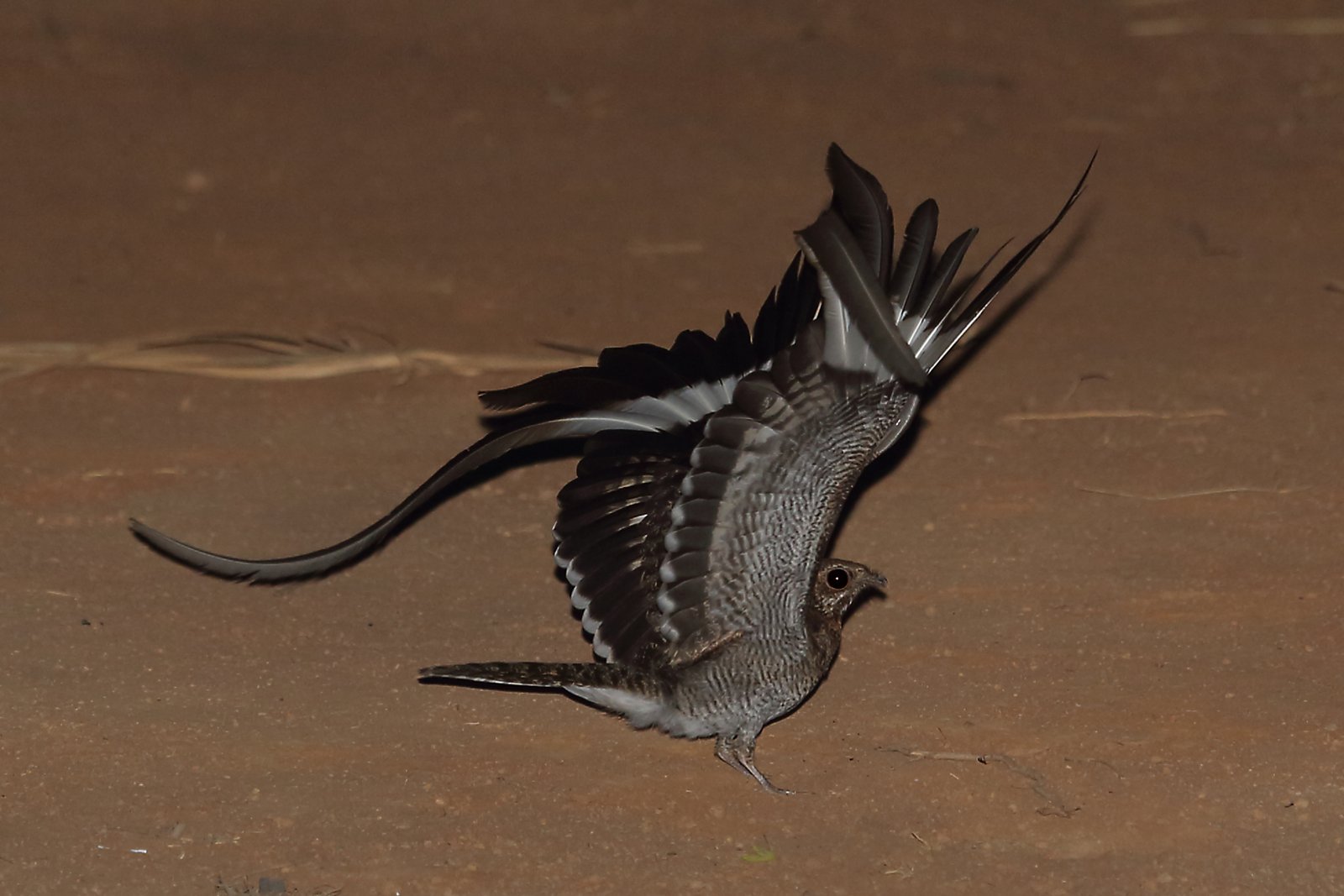
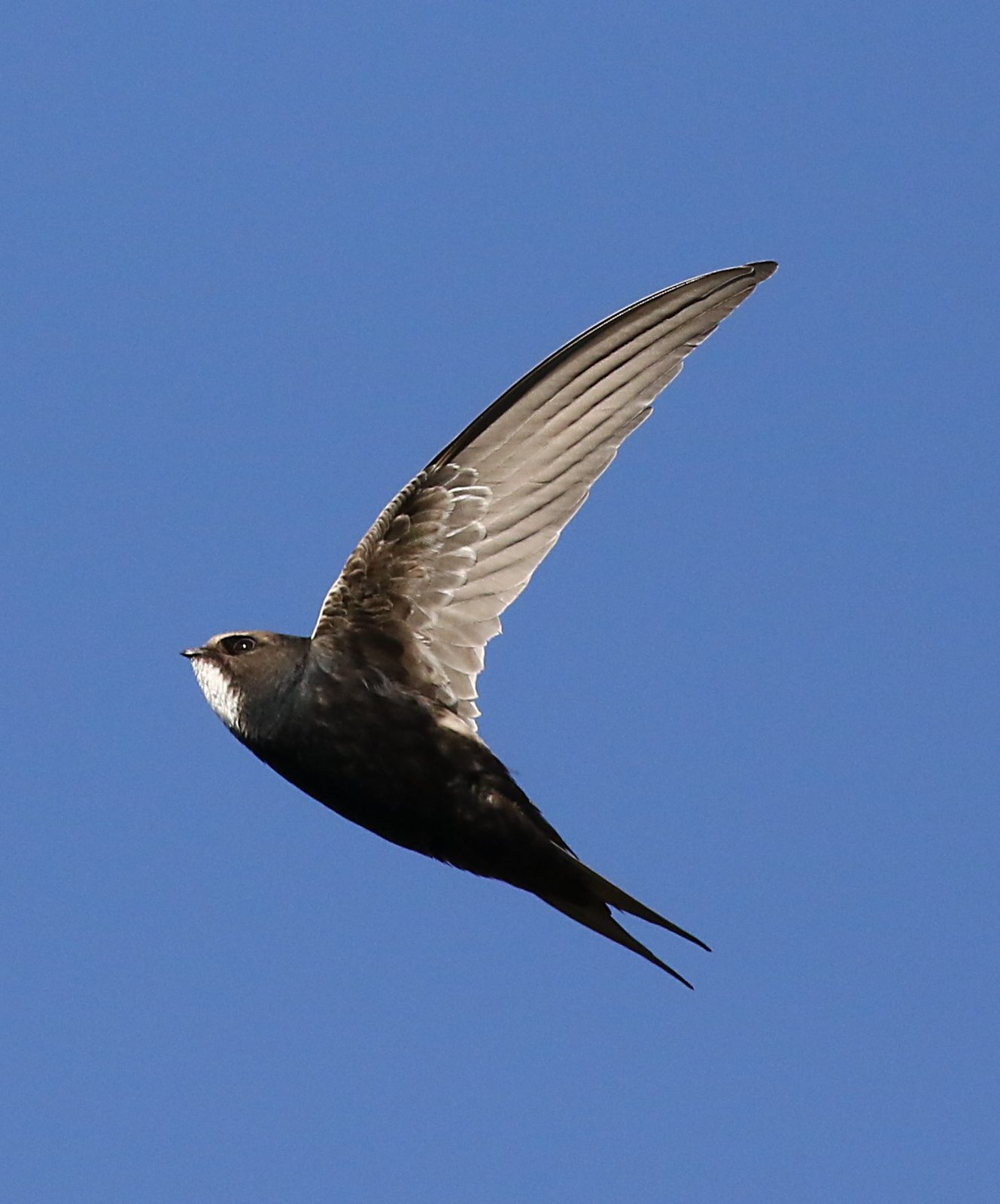
Aerial insect-eaters with a short bill and a huge gape. 20 species
-
-
Landbirds Telluraves
The great branch of raptors, owls, woodpeckers, falcons and passerines. 828 species
-
Raptors, owls, kingfishers and woodpeckers Afroaves
The branch where diurnal raptors and owls meet the colourful array of mousebirds, trogons, hornbills and woodpeckers. 176 species
-
Hawks and owls Hieraves
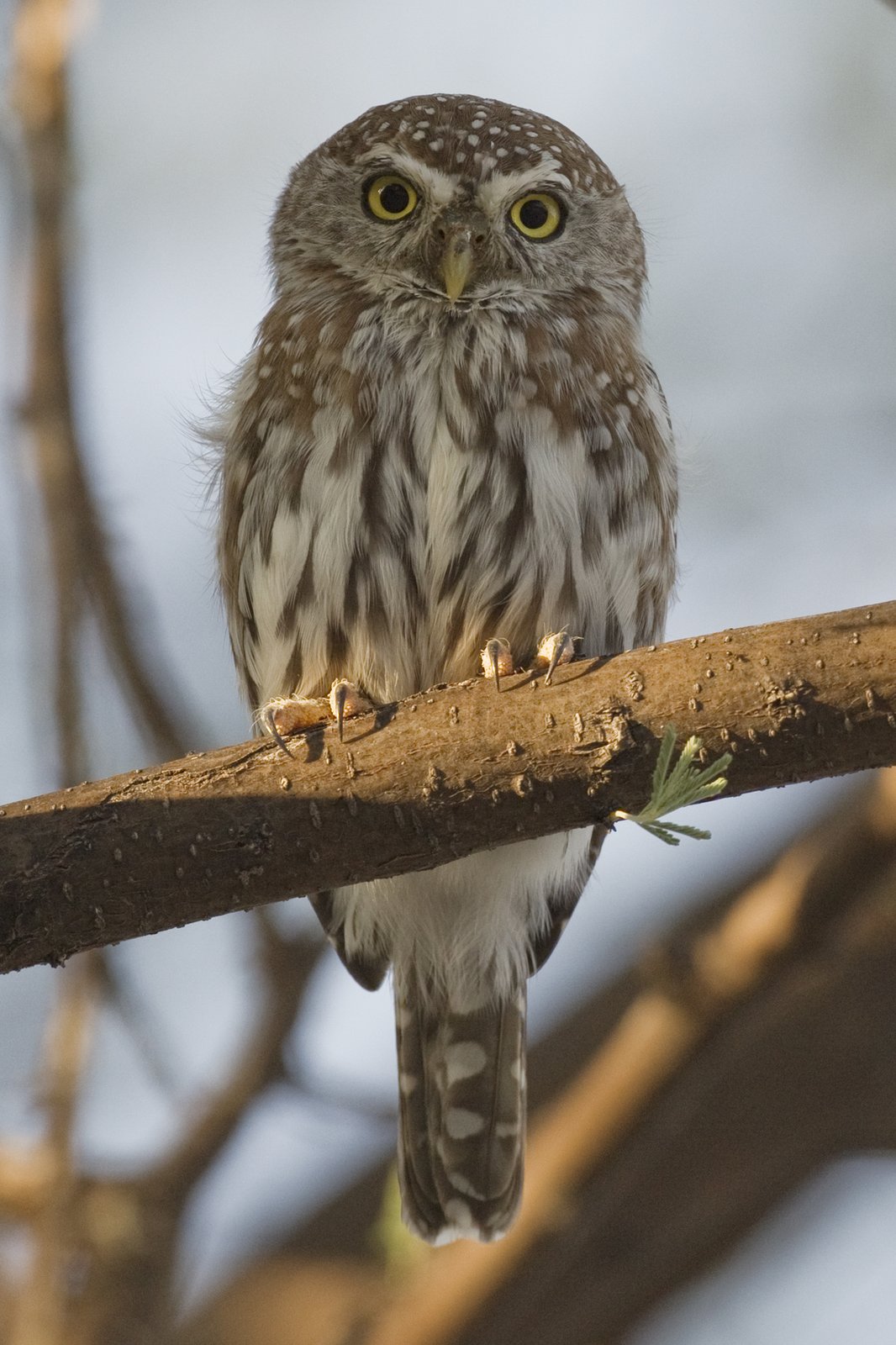
Whether owls really are the sister group of the diurnal raptors is still contested: the genes are almost evenly split. 69 species
-
Mousebirds, rollers and woodpeckers Coraciimorphae
The mousebirds, the only bird order confined to Africa, form the first branch; the rest is called Cavitaves. 107 species
-
 Mousebirds
Coliiformes
4 species
Mousebirds
Coliiformes
4 species
-
Trogons and cavity nesters Cavitaves
Nearly all birds of this branch nest in a cavity, in a tree or in a bank; the trogons branch off first. 103 species
-
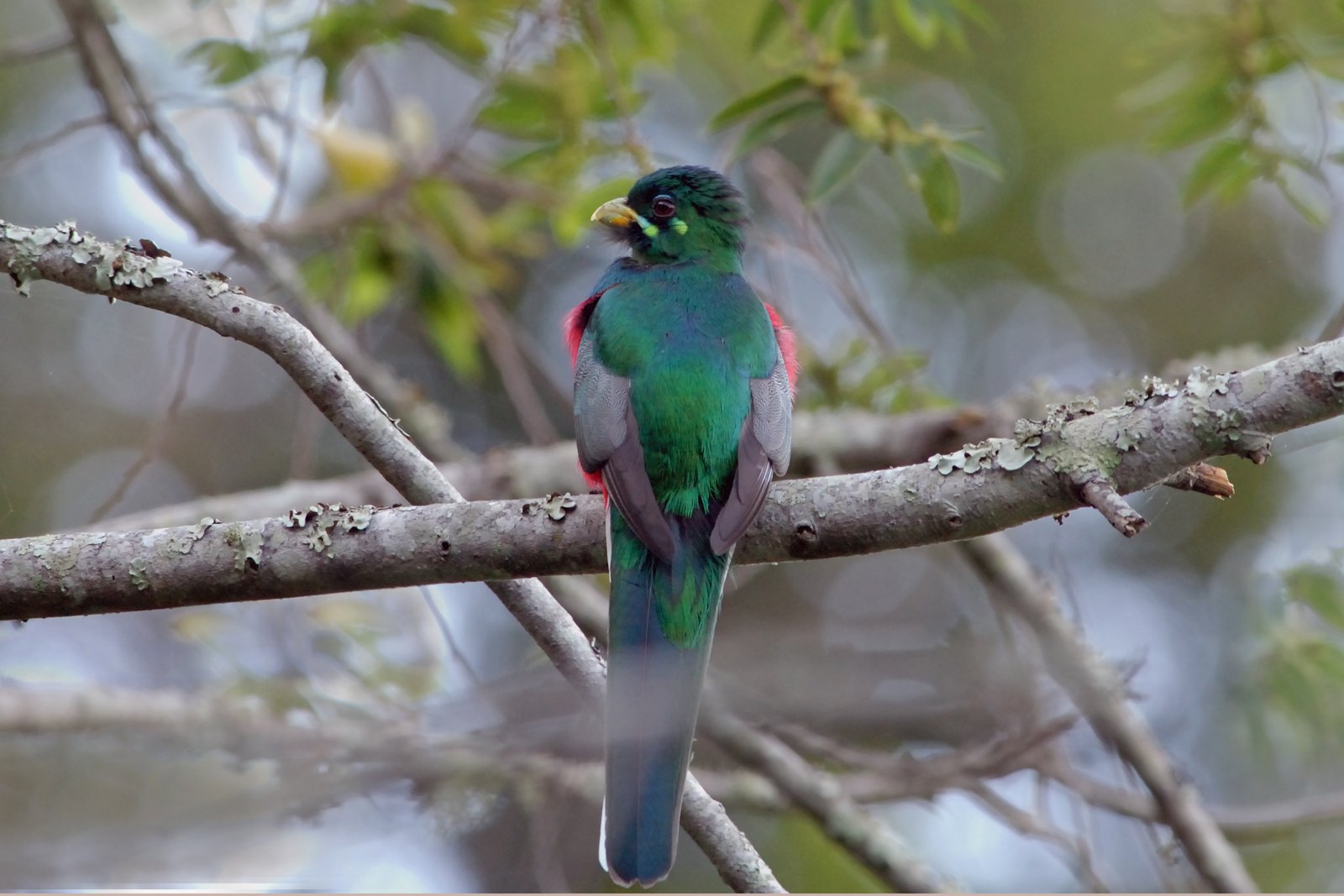 Trogons
Trogoniformes
2 species
Trogons
Trogoniformes
2 species
-
Hornbills, kingfishers and woodpeckers Picocoraciae
With hoopoes and hornbills branching off first; the rest is called Picodynastornithes. 101 species
-
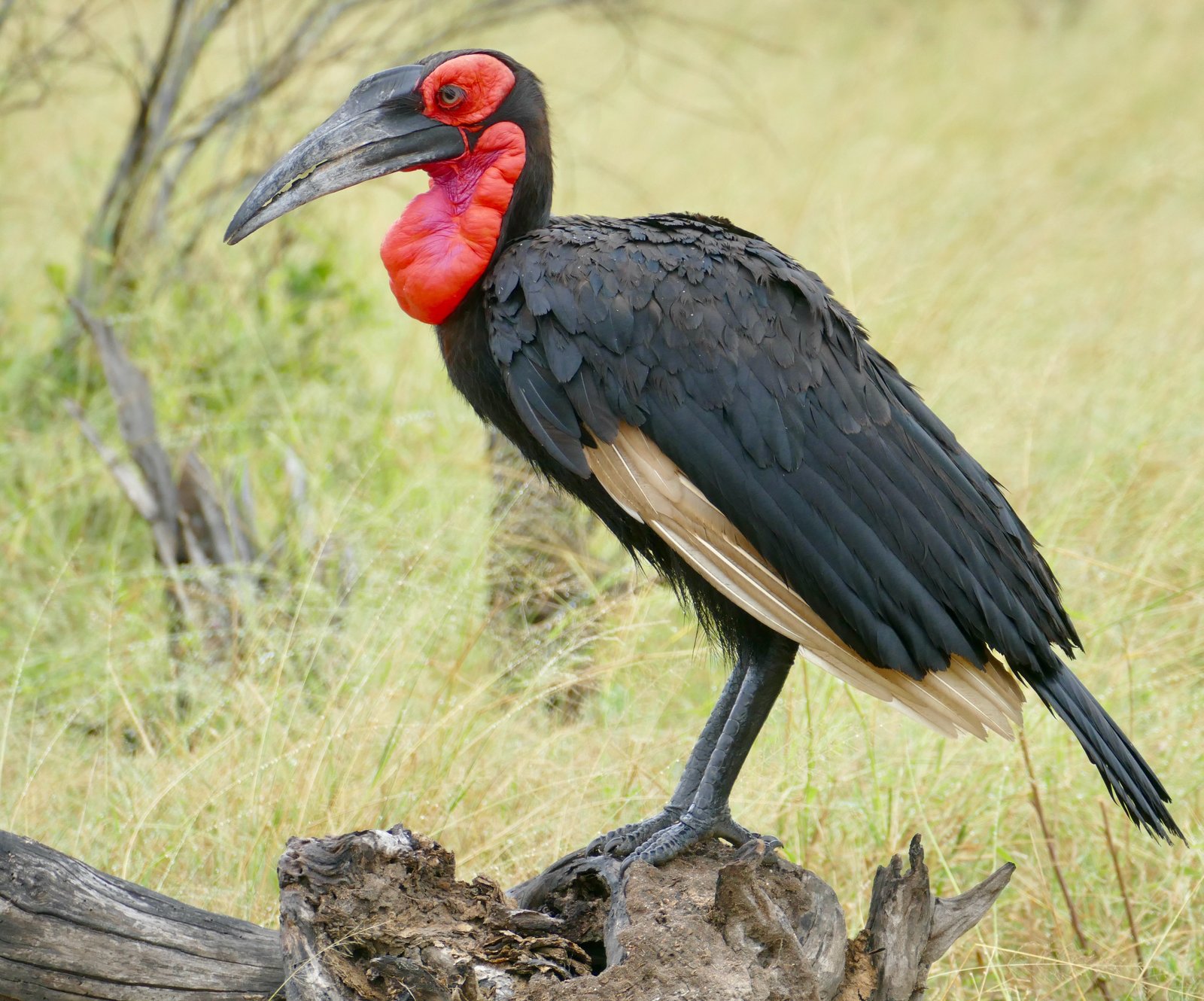 Hoopoes and hornbills
Bucerotiformes
20 species
Hoopoes and hornbills
Bucerotiformes
20 species
-
Kingfishers, bee-eaters and woodpeckers Picodynastornithes
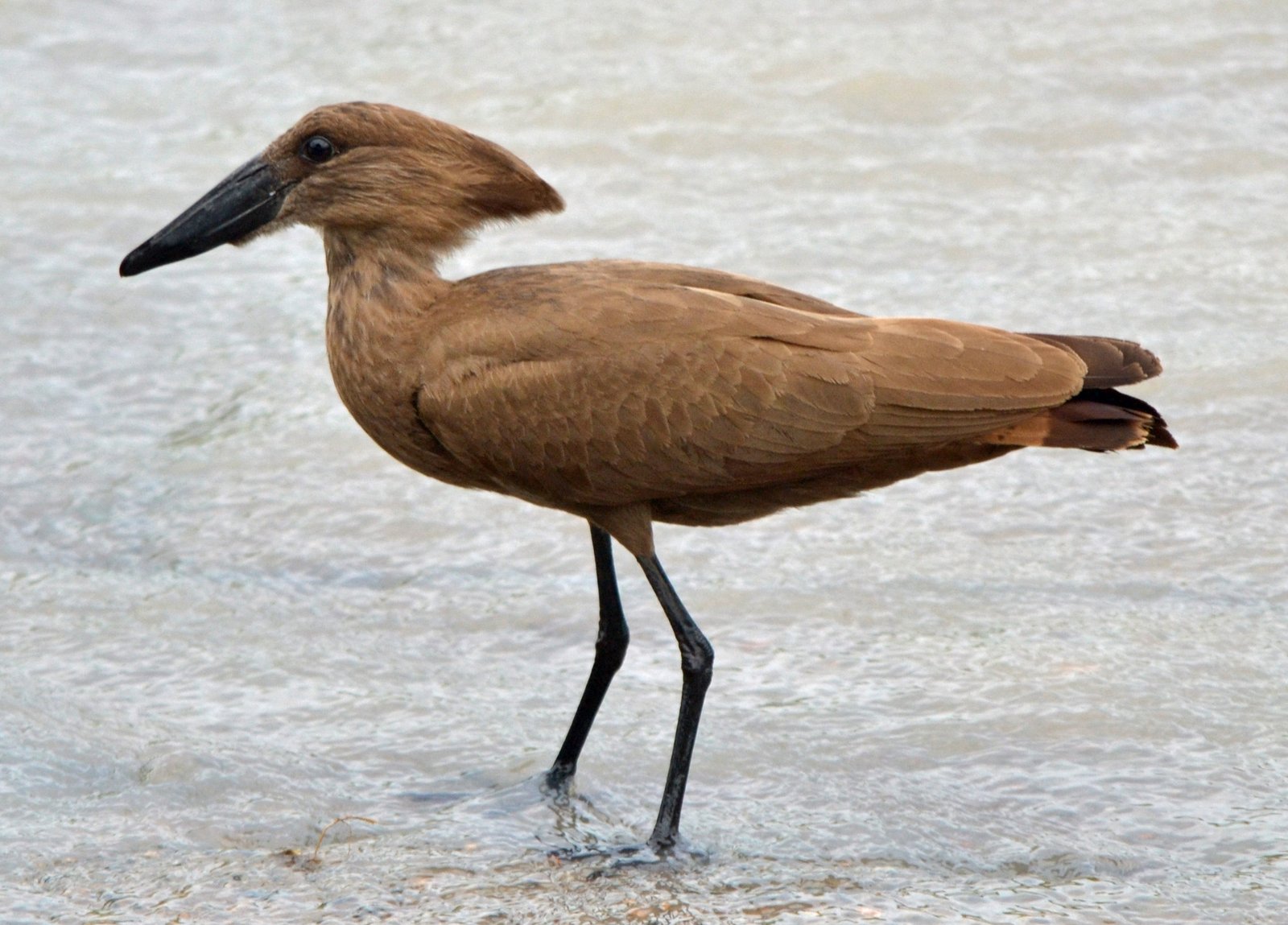
Cavity nesters that excavate their own nest, in a bank or in wood. 81 species
-
-
-
-
-
Falcons, parrots and passerines Australaves
The surprise of the modern tree: falcons belong here, not with the hawks. 652 species
-
Falcons and passerines Eufalconimorphae
The falcons branch off first; parrots and passerines remain together as Psittacopasserae. 652 species
-
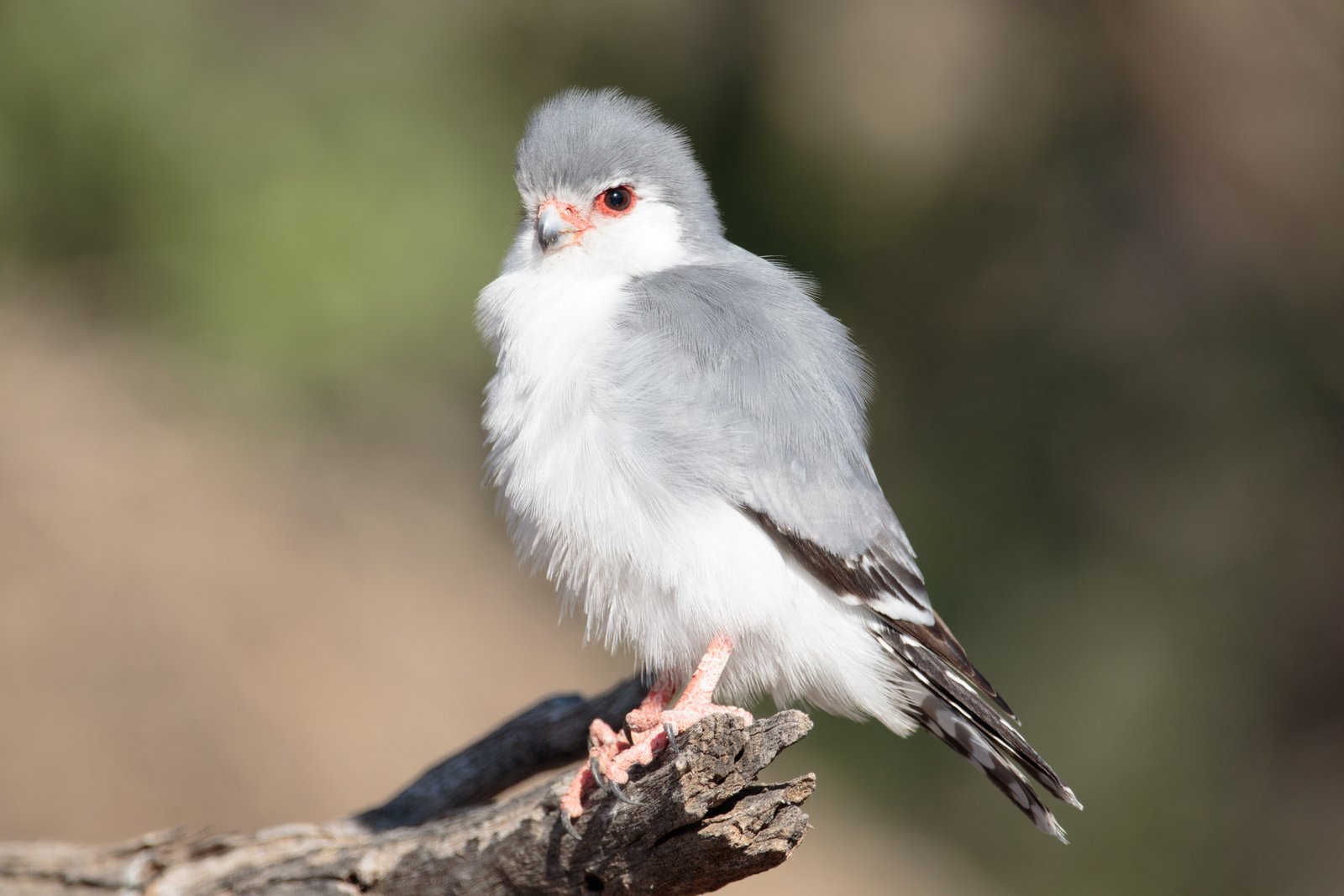 Falcons
Falconiformes
16 species
Falcons
Falconiformes
16 species
-
Parrots and passerines Psittacopasserae
Two groups with each their own form of intelligence: learning to sing and learning to talk. 636 species
-
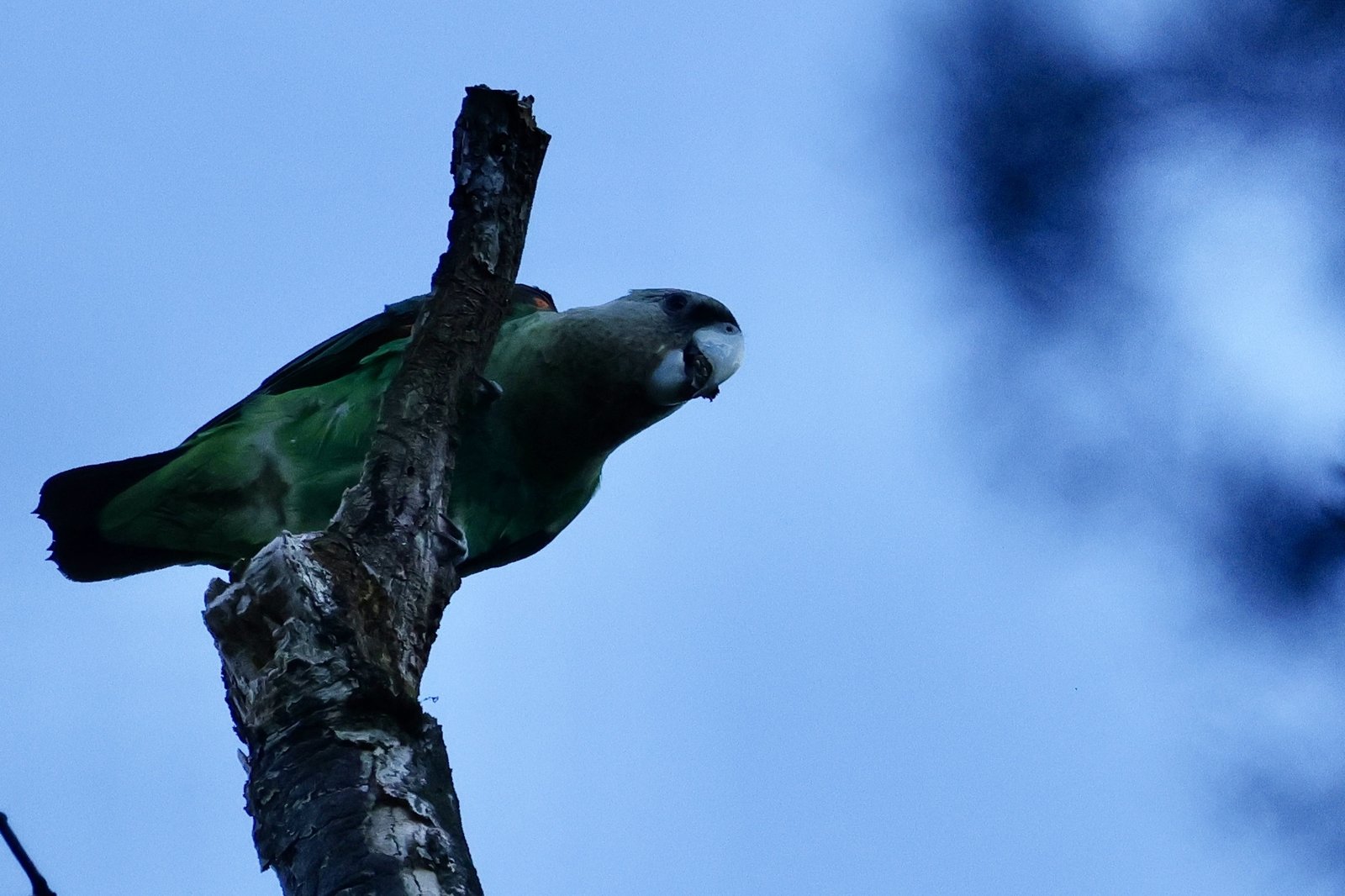 Parrots
Psittaciformes
11 species
Parrots
Psittaciformes
11 species
-
 Passerines
Passeriformes
625 species
Sugarbirds Promeropidae 2Sunbirds Nectariniidae 44Weavers Ploceidae 51Rockjumpers Chaetopidae 2Bushshrikes Malaconotidae 23Chats and flycatchers Muscicapidae 68Reed warblers Acrocephalidae 12Larks Alaudidae 30Cisticolas Cisticolidae 69Crows and jays Corvidae 4Buntings Emberizidae 5Waxbills Estrildidae 41Finches Fringillidae 21Swallows and martins Hirundinidae 25Shrikes Laniidae 9Laughingthrushes Leiothrichidae 5Grasshopper warblers Locustellidae 8Wagtails and pipits Motacillidae 28Orioles Oriolidae 6Tits Paridae 8Sparrows Passeridae 6Leaf warblers Phylloscopidae 4Bulbuls Pycnonotidae 31Penduline tits Remizidae 2Starlings Sturnidae 20Sylvia warblers Sylviidae 8Thrushes Turdidae 10Indigobirds and whydahs Viduidae 9Oxpeckers Buphagidae 2African and Green Broadbills Calyptomenidae 1Cuckooshrikes Campephagidae 5Drongos Dicruridae 4Yellow Flycatchers Erythrocercidae 1Hylias Hyliidae 2Hyliotas Hyliotidae 2African Warblers Macrosphenidae 13Dapple-throat and allies Modulatricidae 2Monarch flycatchers Monarchidae 6Nicators Nicatoridae 3Ground babblers Pellorneidae 3Pittas Pittidae 1Batises and wattle-eyes Platysteiridae 14Spotted creepers Salpornithidae 1Fairy flycatchers Stenostiridae 4Vangas and helmetshrikes Vangidae 6White-eyes Zosteropidae 4
Passerines
Passeriformes
625 species
Sugarbirds Promeropidae 2Sunbirds Nectariniidae 44Weavers Ploceidae 51Rockjumpers Chaetopidae 2Bushshrikes Malaconotidae 23Chats and flycatchers Muscicapidae 68Reed warblers Acrocephalidae 12Larks Alaudidae 30Cisticolas Cisticolidae 69Crows and jays Corvidae 4Buntings Emberizidae 5Waxbills Estrildidae 41Finches Fringillidae 21Swallows and martins Hirundinidae 25Shrikes Laniidae 9Laughingthrushes Leiothrichidae 5Grasshopper warblers Locustellidae 8Wagtails and pipits Motacillidae 28Orioles Oriolidae 6Tits Paridae 8Sparrows Passeridae 6Leaf warblers Phylloscopidae 4Bulbuls Pycnonotidae 31Penduline tits Remizidae 2Starlings Sturnidae 20Sylvia warblers Sylviidae 8Thrushes Turdidae 10Indigobirds and whydahs Viduidae 9Oxpeckers Buphagidae 2African and Green Broadbills Calyptomenidae 1Cuckooshrikes Campephagidae 5Drongos Dicruridae 4Yellow Flycatchers Erythrocercidae 1Hylias Hyliidae 2Hyliotas Hyliotidae 2African Warblers Macrosphenidae 13Dapple-throat and allies Modulatricidae 2Monarch flycatchers Monarchidae 6Nicators Nicatoridae 3Ground babblers Pellorneidae 3Pittas Pittidae 1Batises and wattle-eyes Platysteiridae 14Spotted creepers Salpornithidae 1Fairy flycatchers Stenostiridae 4Vangas and helmetshrikes Vangidae 6White-eyes Zosteropidae 4
-
-
-
-
-
-
-




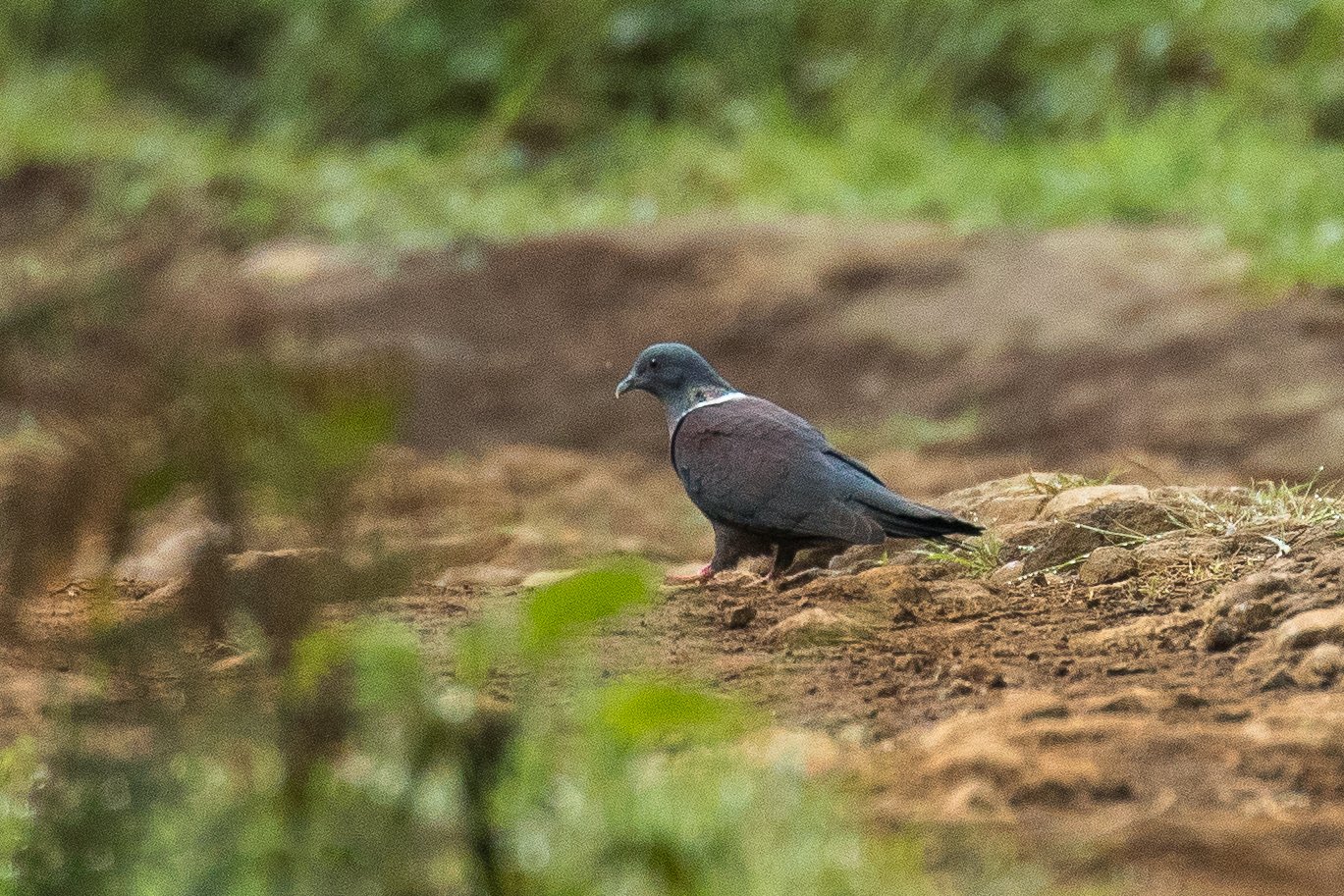
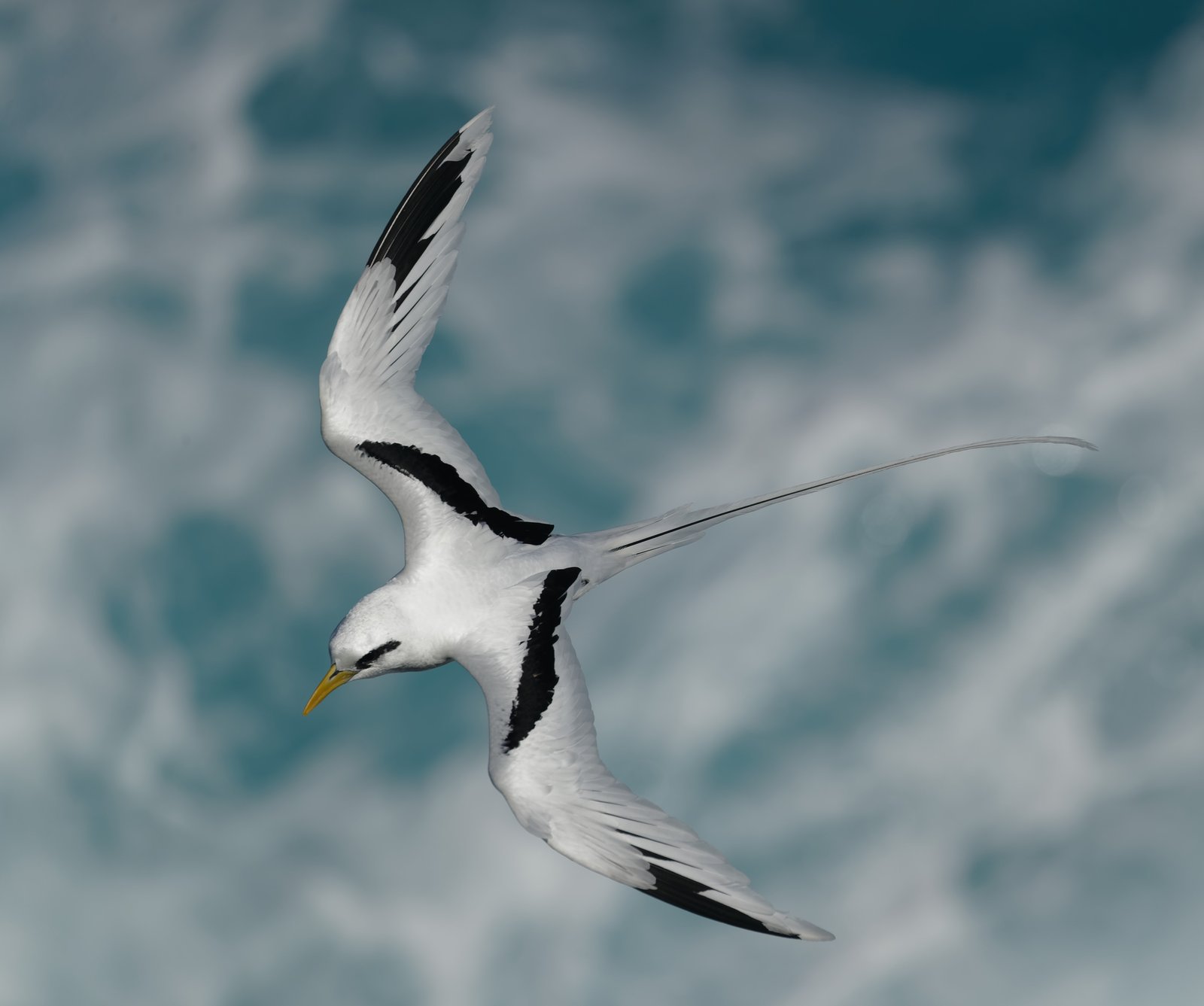

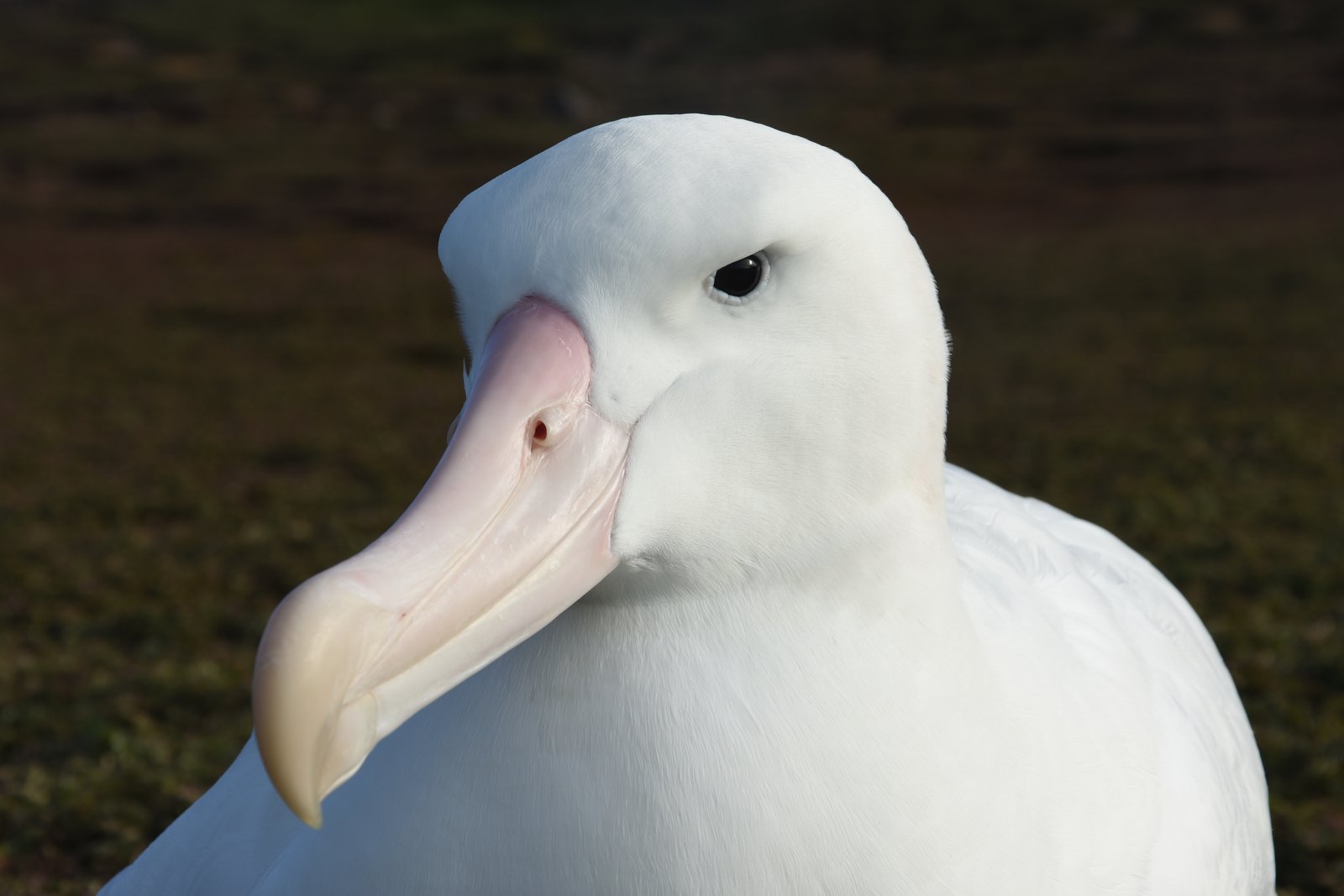
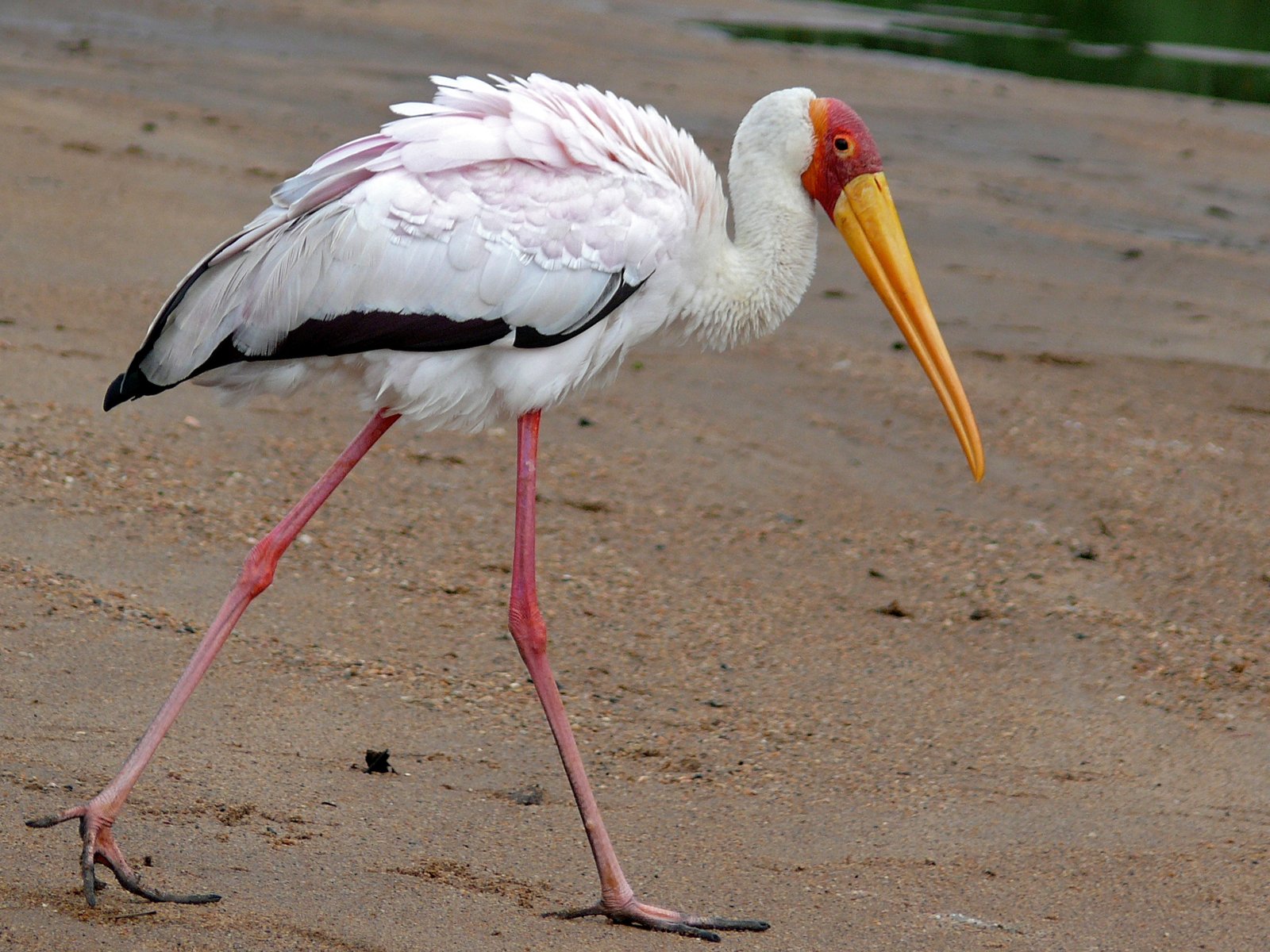


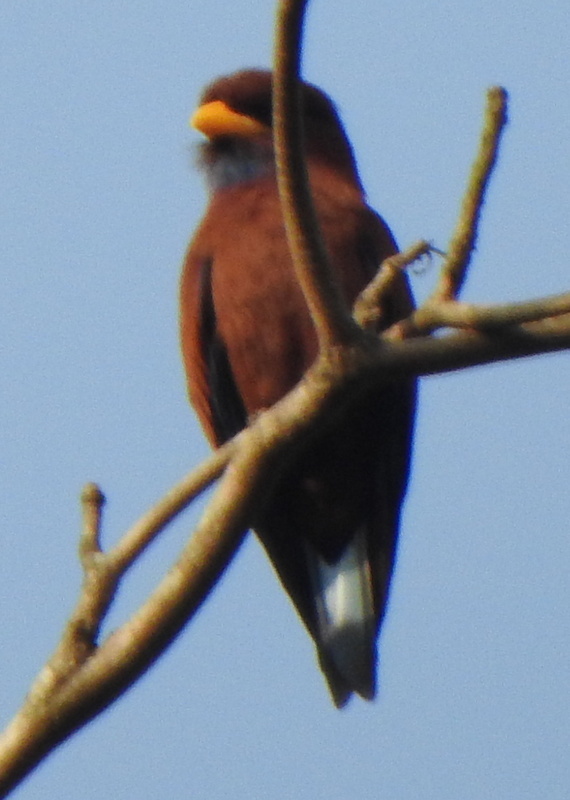
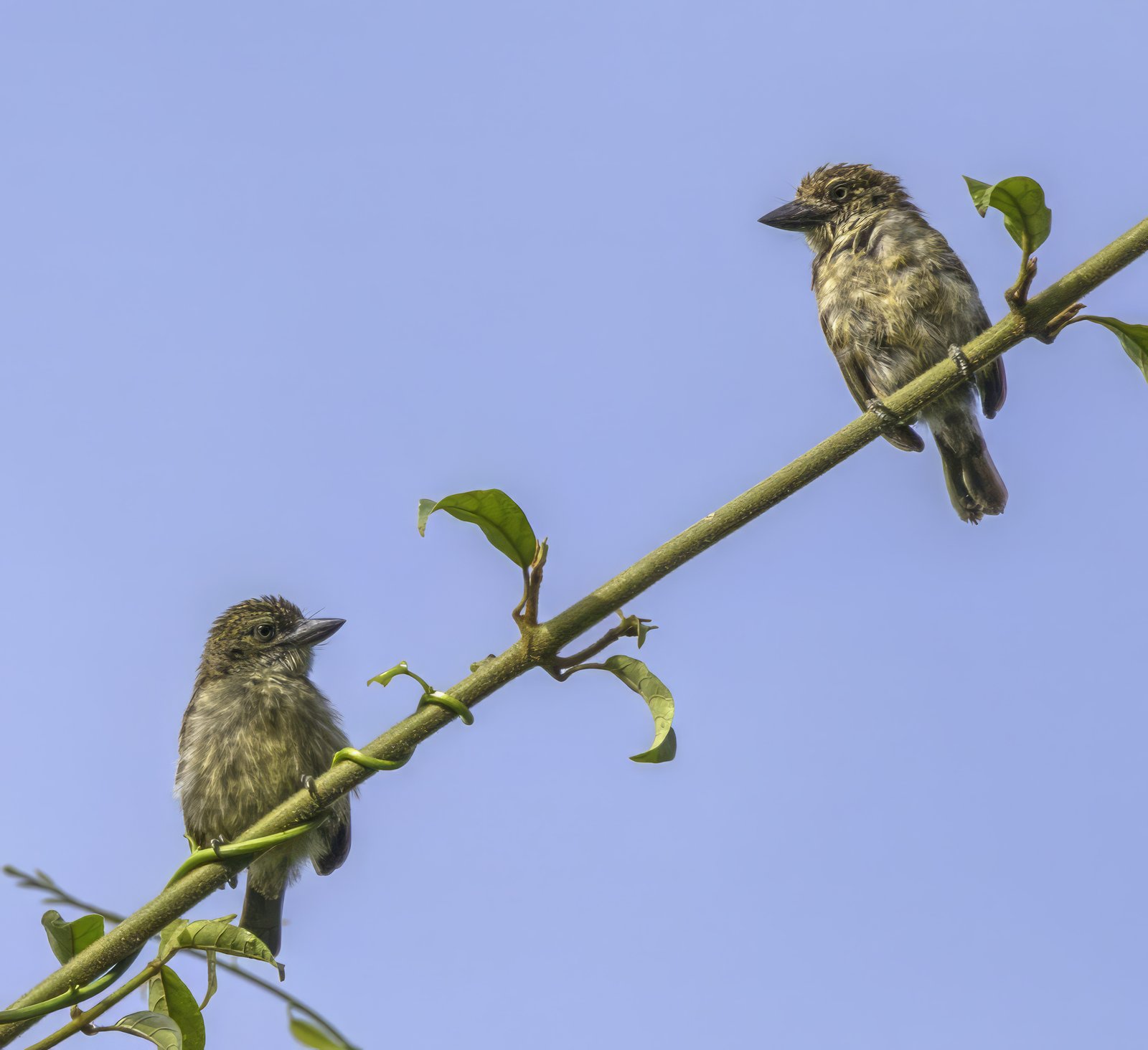
Source of the arrangement: The arrangement and sequence of orders, families, genera and species follow AviList; the clades above them follow the family-level genome tree of the B10K project and carry names from the PhyloCode. AviList v2025b · Stiller et al. 2024, Nature 629, 851-860 (B10K)
About this site
Vorstman's Guide to the Birds of Southern Africa is an educational site about the birds of Angola, Zambia, Malawi, Mozambique, Zimbabwe, Botswana, Namibia, South Africa, Lesotho and Eswatini, made for people who want to go beyond a first identification. It is deliberately lightweight: static HTML, no trackers, no cookies.
As an app on your phone
You can add this guide to your phone's home screen. It then gets its own icon and opens like an app, without the browser's address bar.
iPhone and iPad (Safari)
Open the site in Safari, tap the share icon (the square with the arrow pointing up) and choose “Add to Home Screen”.
Android (Chrome)
Open the site in Chrome, tap the menu (the three dots in the top right) and choose “Install app” or “Add to Home screen”.
Removing it again
On iPhone: press and hold the icon and choose “Remove App”. On Android: press and hold the icon and drag it to “Remove”, or choose that from the menu.
The language you were reading carries over: the app opens in whichever language it was in when you added it.
Nothing else changes: the app is the same site, just without the browser's address bar around it.