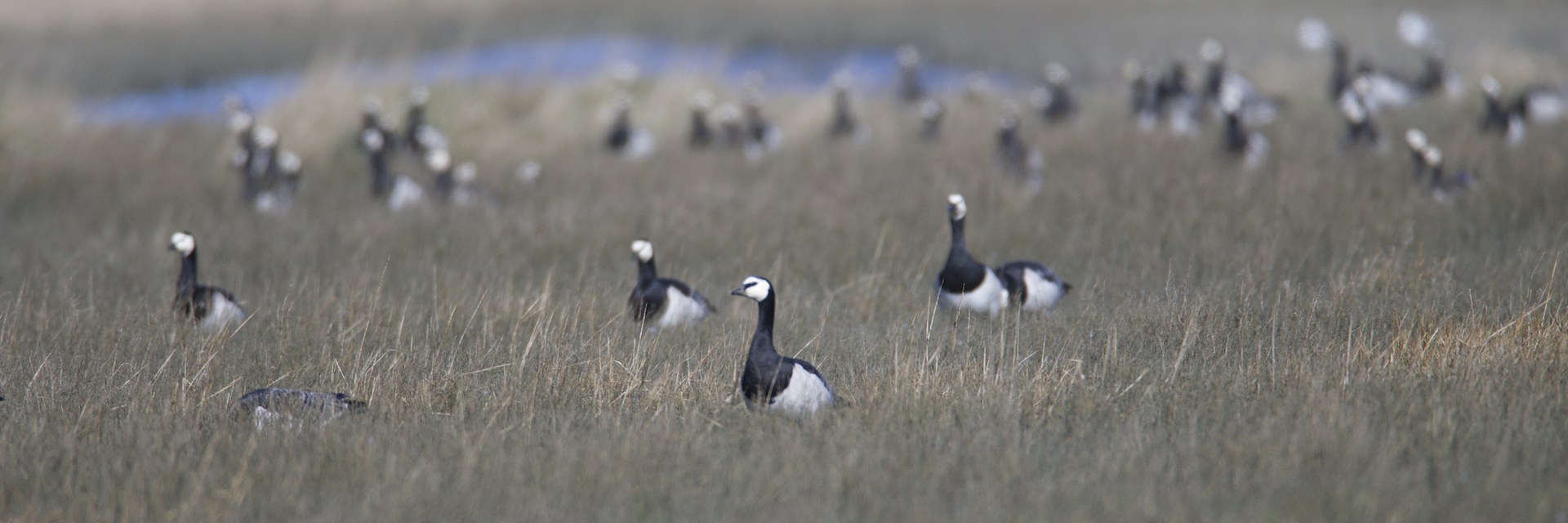
Vorstman's Guide to the Birds of Europe
A guide for birdwatchers: field marks, confusion species, sound and the best moments to look — arranged by order, family and genus.
Scope and method
Field identification in Europe rests to a large degree on sound. Many species are heard before they are seen, and among closely similar pairs — Chiffchaff and Willow Warbler, Marsh and Willow Tit, Common and Arctic Tern — call or song is often the only character that settles the matter at any distance. Each account therefore sets a recording alongside the field marks, the species with which confusion genuinely occurs, and the conditions under which the bird is to be expected: season, time of day, habitat and range. The distribution maps are not shaded ranges but density fields, computed from the records of the past twenty-four months and corrected for the uneven distribution of observers.
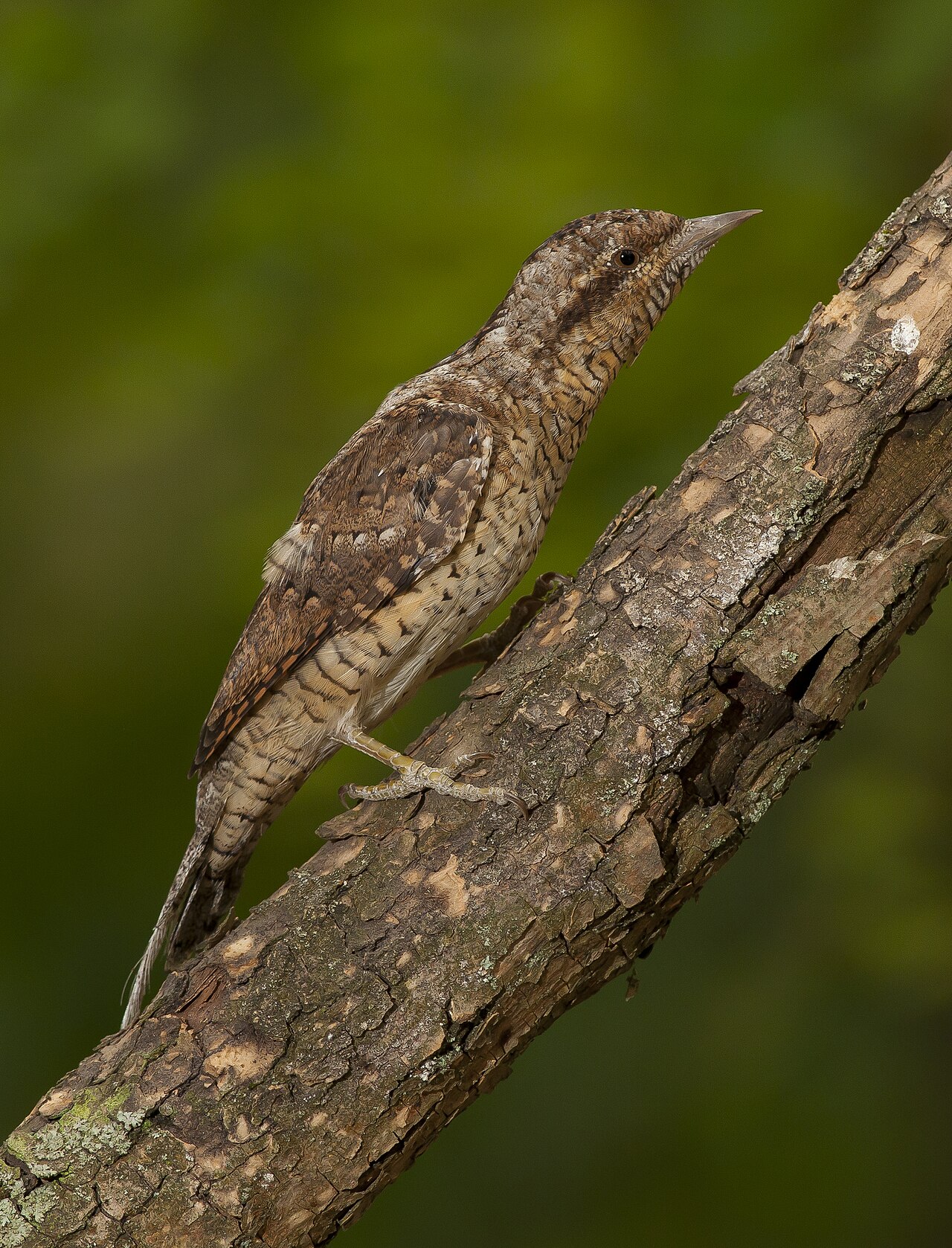
The species follow the order of the family tree: by clade, order, family and genus. It shows at a glance why a wryneck sits with the woodpeckers, a bittern with the herons and a falcon with the passerines.
The family tree of Europe's birds
22 clades, 26 orders, 94 families, 730 species
The tree works down layer by layer: from the main branches of the bird tree through ever smaller clades to orders, families and species. Every clade has a name — some long-established, some only coined in 2024. Where the genetic support is weak, it says so.
-
Birds Aves
All living birds together make up one group; the ostrich and the house sparrow mark its two outermost branches. Feathers, a wishbone and air sacs in the bones are characteristic of the whole group and are found in related dinosaurs as well. 730 species
-
Birds with a flexible palate Neognathae
In these birds the palate bones are loose enough to hinge, so the upper bill can move against the skull. That turns the beak into a finely adjustable tool - tweezers, chisel, sieve or nutcracker - and every European bird on this site belongs here. 730 species
-
Fowl Galloanserae
Ducks, geese and swans are more closely related to gamebirds than to any other bird; they have nothing to do with the seabirds. Both groups lay large clutches, and their chicks walk and feed themselves almost as soon as they hatch - a design the two groups share. 86 species
-
All other modern birds Neoaves
Nineteen out of every twenty bird species belong here. Its deepest splits lie so close together that even complete genomes can barely separate them, which leaves the arrangement of the main branches unsettled to this day. 644 species
-
Flamingos and grebes Mirandornithes
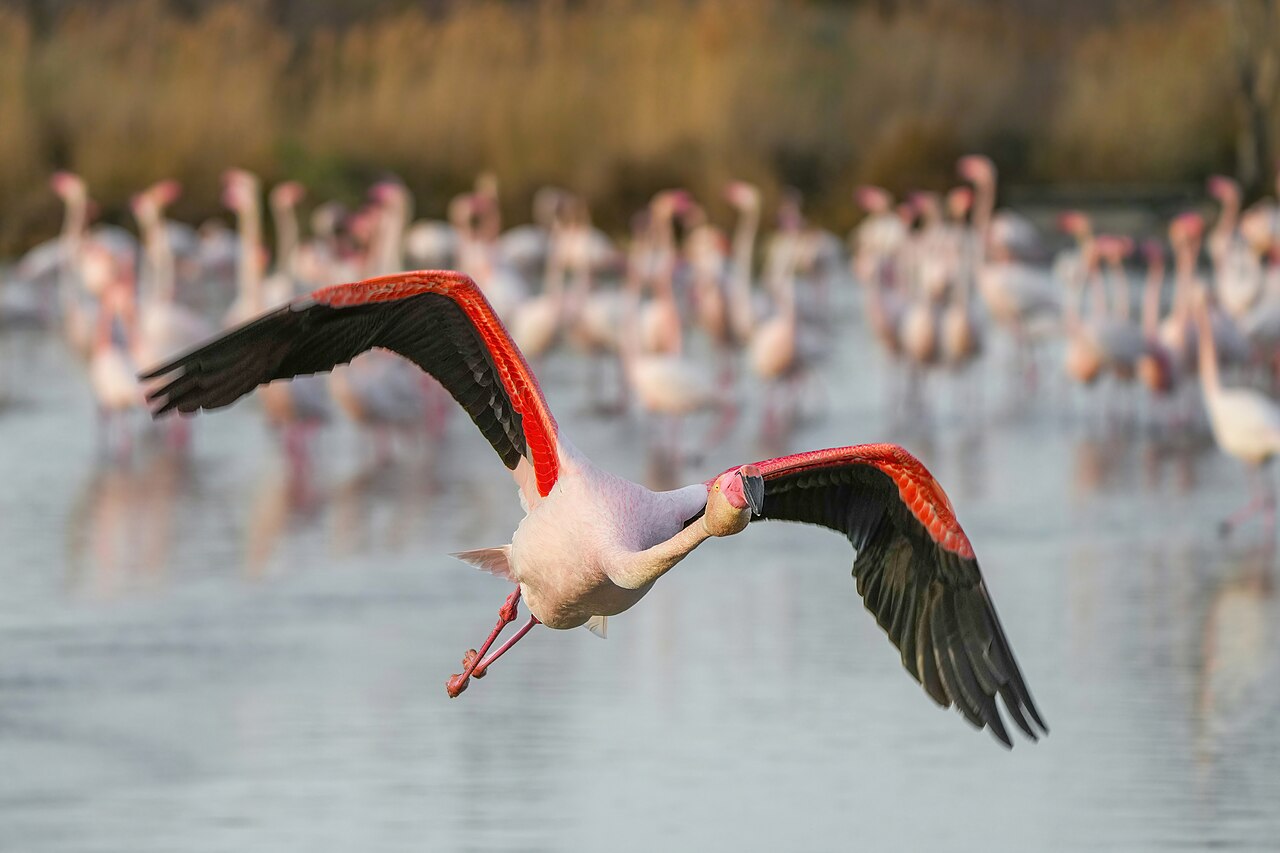
Flamingos and grebes look nothing alike and yet are each other's closest relatives - hence the name, the wonderful birds. They share a feather louse of their own, lobed rather than fully webbed toes and the habit of nesting on floating or heaped-up mounds; in the tree of Stiller et al. 2024 they are the very first branch of Neoaves. 9 species
-
Doves, cuckoos and allies Columbaves
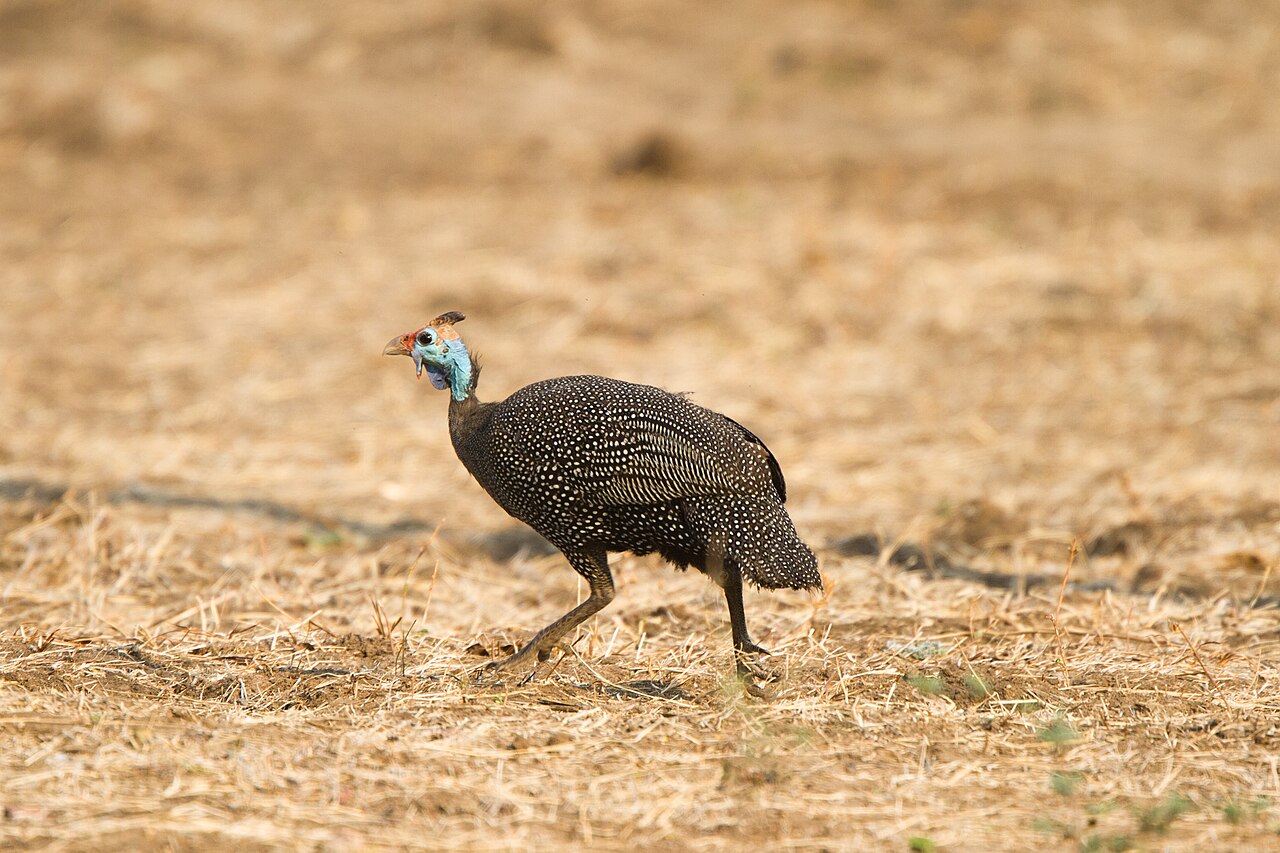
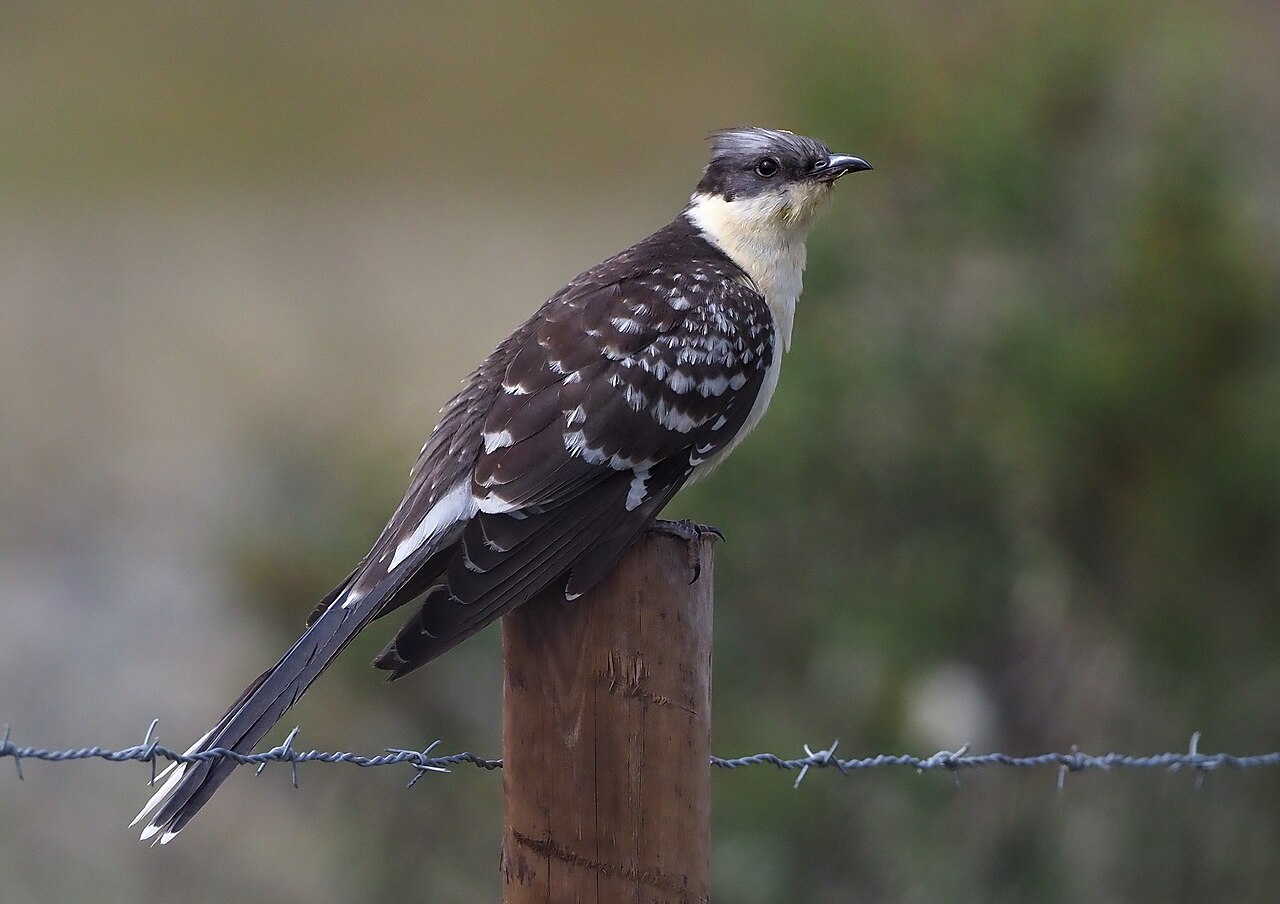
Pigeons, sandgrouse, mesites, cuckoos, turacos and bustards in one branch - a group with no shared outward characters. The group turns up in some genome studies and not in others, which keeps it one of the shakier main branches of the tree. 23 species
-
Bustards, turacos and cuckoos Otidimorphae
Heavy steppe walkers, fruit-eating tree birds and brood parasites in one branch - what they share is not obvious at a glance. Their internal order shifts from study to study; Stiller et al. 2024 put the bustards with the cuckoos and leave the turacos outside, while acknowledging that other analyses arrange them differently. 6 species
-
Doves and sandgrouse Columbimorphae
Pigeons, sandgrouse and the Madagascan mesites. Pigeons feed their young on crop milk, while male sandgrouse carry water home from the desert soaked into their belly feathers and let the chicks drink it out - two very different answers to the same problem of drought. 17 species
-
-
Birds of the elements Elementaves
A branch named in 2024 that gathers the hoatzin, cranes and rails, waders and gulls, nightjars and swifts, tropicbirds and all the true waterbirds; the name points to the classical elements earth, water, air and fire. It is also the least firmly supported of the four main branches: it emerges from the analyses of non-coding DNA, but not from the exons, the introns or the concatenated analysis. 203 species
-
Cranes and waders Gruimorphae
Cranes and rails turn out to be the closest relatives of the waders, gulls and auks - a clear shift away from older trees, in which the waders were placed with the waterbirds. Both groups are inhabitants of open, wet ground that make their living on foot. 143 species
-
 Cranes, rails and allies
Gruiformes
14 species
Cranes, rails and allies
Gruiformes
14 species
-
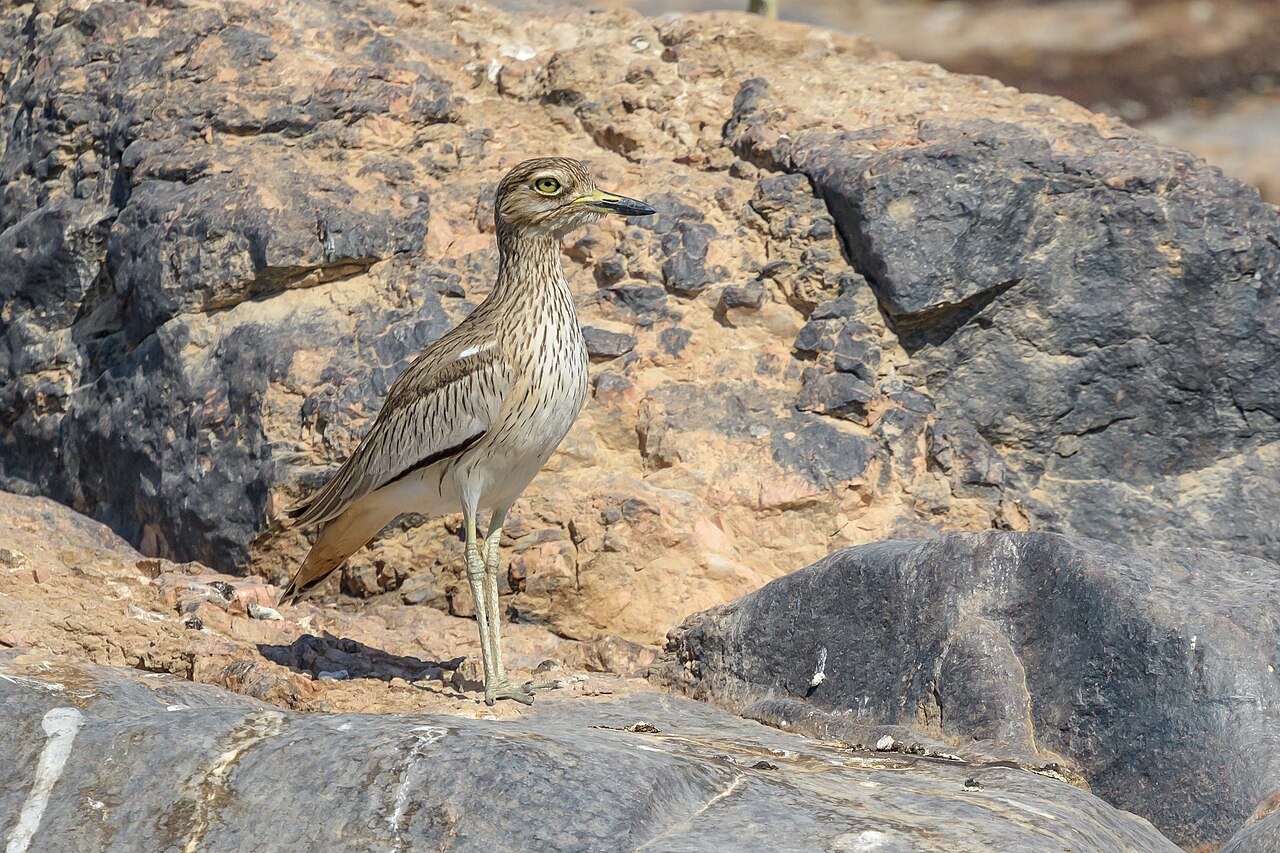 Waders, gulls and terns
Charadriiformes
129 species
Waders, gulls and terns
Charadriiformes
129 species
Plovers and allies Charadrii
Sandpipers and snipes Scolopaci
-
-
Tropicbirds and waterbirds Phaethoquornithes
The tropicbirds with the sunbittern and kagu, together with all the true water and marsh birds. Here runs the line between the birds that take their food from the water and the landbirds; ducks, grebes, gulls and waders emphatically do not belong, however tied to water they are. 49 species
-
Tropicbirds and sunbittern Phaethontimorphae
Three very different leftovers: the tropicbirds of the open ocean, the sunbittern of the Amazon forest and the kagu of New Caledonia. Where this branch belongs is unsettled - coding DNA places it with the landbirds, non-coding DNA with the waterbirds, and both with full statistical support. 1 species
-
Core waterbirds Aequornithes
Divers, penguins, albatrosses and petrels, storks, gannets, cormorants, pelicans, herons and ibises: the birds that really take their food from the water. They all swim, dive or wade, but the way they do it - chasing underwater, plunging from a height, or waiting motionless - differs completely from family to family. 48 species
-
-
Nightjars and swifts Strisores
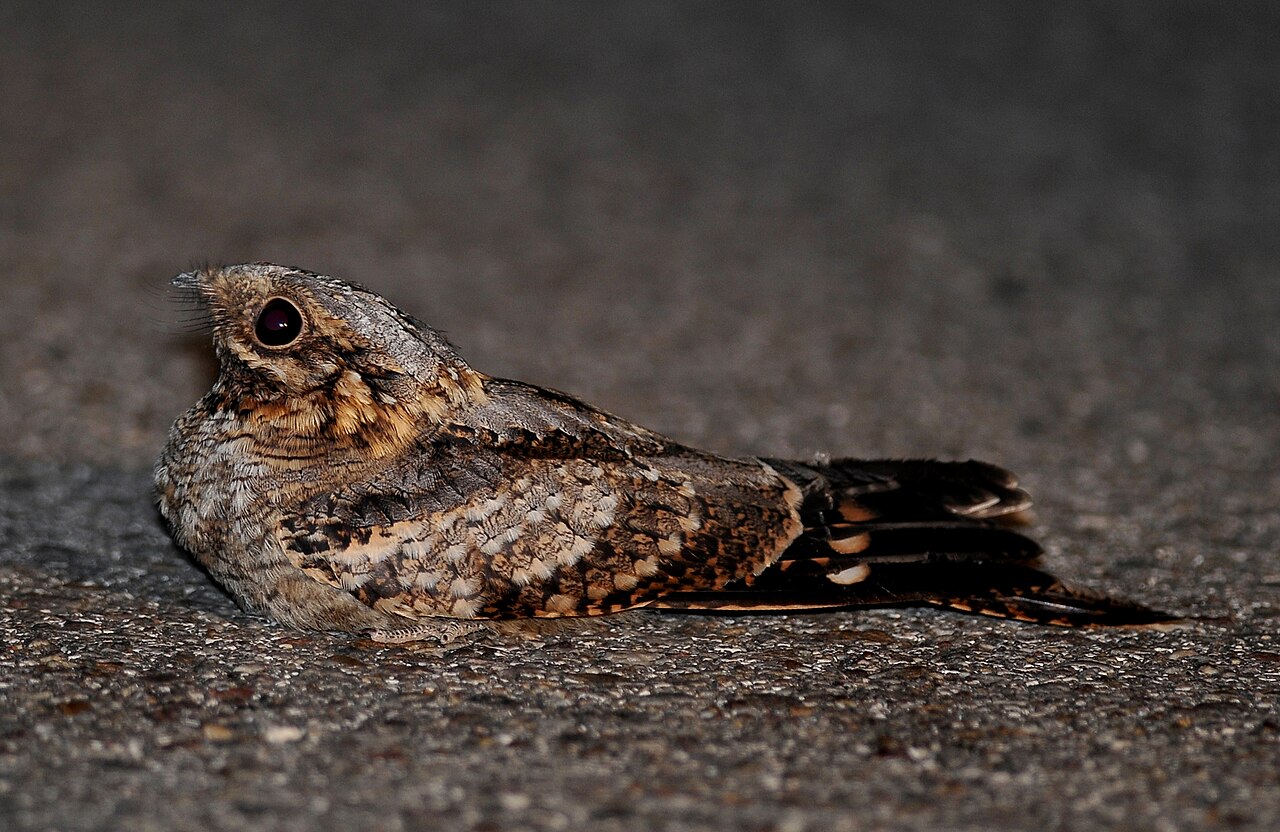
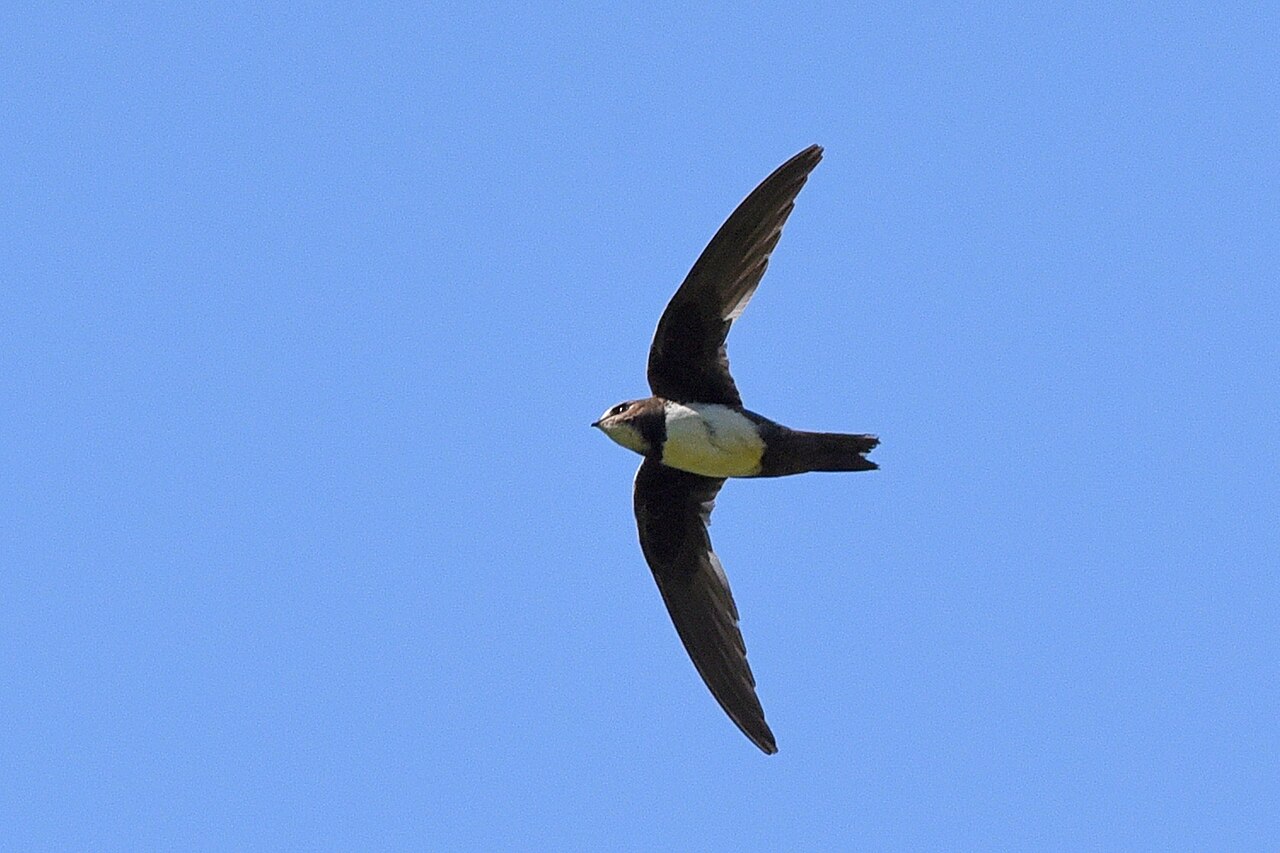
Nightjars, the oilbird, potoos, owlet-nightjars, swifts and hummingbirds: from slow twilight hunters with a large gaping mouth to birds built almost entirely for flight. The old nightjar order turned out to contain the swifts and hummingbirds within it, and was replaced by this much older name. 11 species
-
-
Landbirds Telluraves
The landbirds: raptors, owls, mousebirds, trogons, hornbills, kingfishers, woodpeckers, falcons, parrots and all the songbirds. Almost everything that lives in trees and grasps with foot or bill belongs here; in most of its subgroups the birds are hunters. 409 species
-
Raptors, owls, kingfishers and woodpeckers Afroaves
The half of the landbirds centred on Africa: hawks, eagles and vultures, owls, mousebirds, trogons, hornbills, hoopoes, kingfishers, bee-eaters, rollers and woodpeckers. Many of them nest in cavities, and most hunt animals they seize alive. 69 species
-
Hawks and owls Hieraves
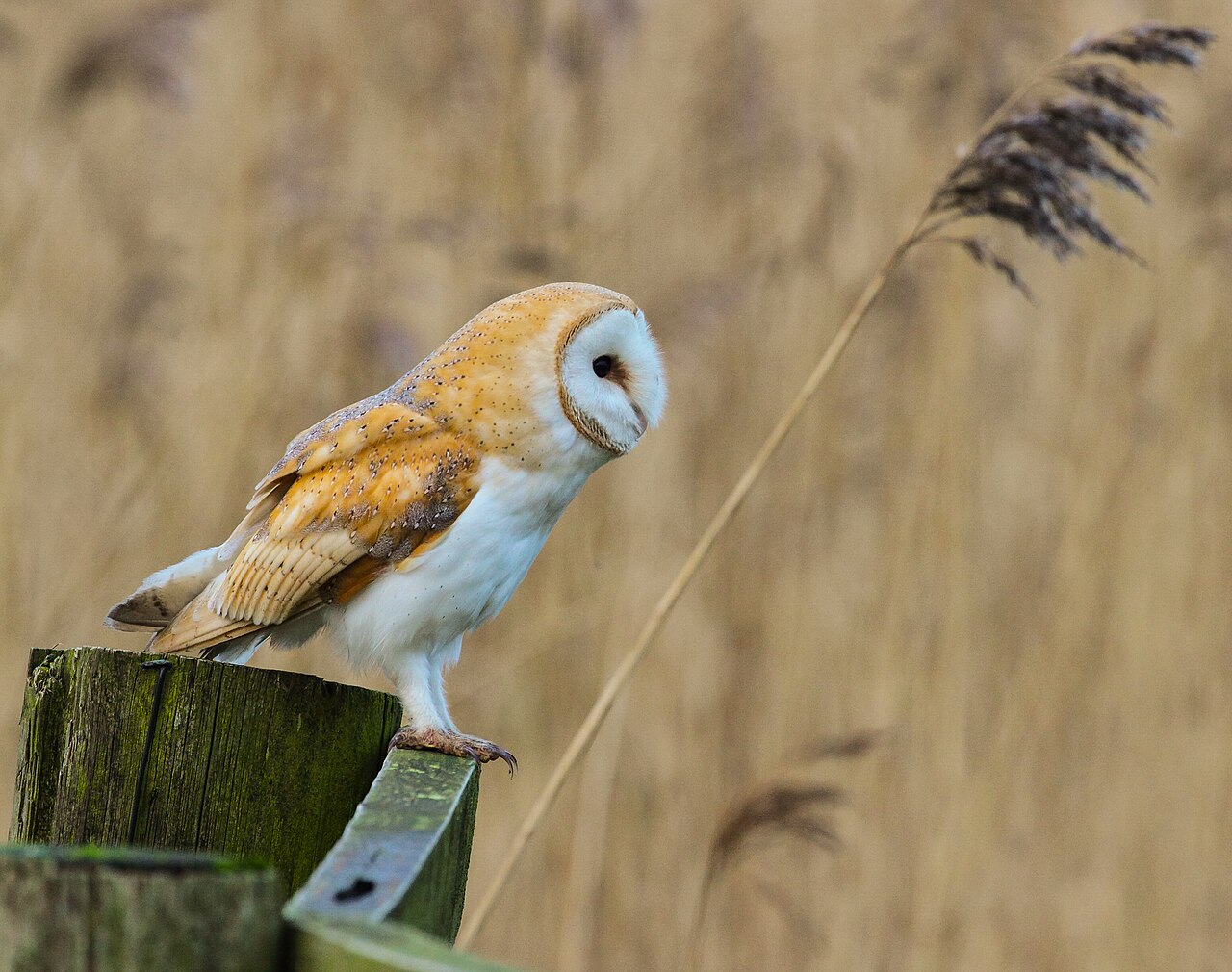
Owls as the sister group of the hawks, eagles and vultures: day and night raptors together, with the talons and hooked bill the same design in both groups rather than two separate cases of resemblance. The support is shaky - thirty-five percent of the genes against just over thirty-four for the alternative - and the concatenated analyses of Stiller et al. 2024 actually yield a different tree; mixing of genetic material between the early branches may account for the contradiction. 48 species
-
Rollers, kingfishers and woodpeckers Coraciimorphae
Mousebirds, trogons, hornbills and hoopoes, kingfishers, bee-eaters, rollers and woodpeckers - mostly tropical, brightly coloured birds with short, broad wings. This is the branch in which nesting in cavities takes the most forms, from self-chiselled woodpecker holes to the hornbill nest in which the female has herself walled in. 21 species
-
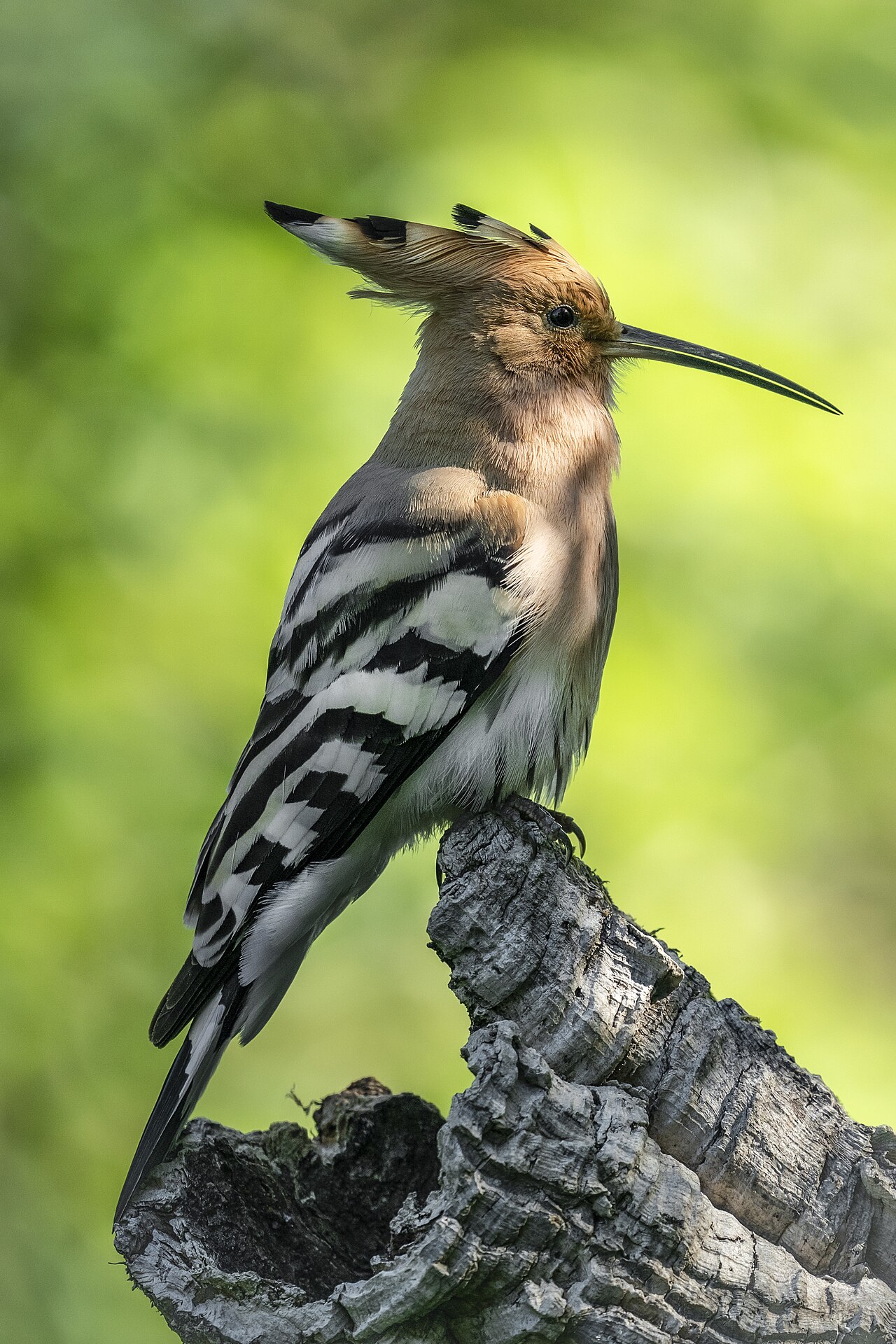 Hoopoes and hornbills
Bucerotiformes
1 species
Hoopoes and hornbills
Bucerotiformes
1 species
-
Kingfishers, bee-eaters and woodpeckers Picodynastornithes
Kingfishers, bee-eaters and rollers as the sister group of the woodpeckers, barbets and toucans. Both groups dig or chisel out their own nest hole - in a steep bank, a termite mound or a tree trunk - which makes them builders rather than tenants, independent of holes that happen to be there. 20 species
-
-
-
Falcons, parrots and passerines Australaves
The landbirds centred on the southern hemisphere: seriemas, falcons, parrots and all the songbirds. Two out of every three bird species on earth sit in this single branch, which reaches from the long-legged seriemas of South America to the tit in the garden. 340 species
-
Falcons and passerines Eufalconimorphae
In the modern bird tree, falcons are not raptors in the family sense but the closest relatives of parrots and songbirds. Their resemblance to hawks and eagles - hooked bill, gripping talons, sharp eyes - is convergence: both groups practise the same trade. 340 species
-
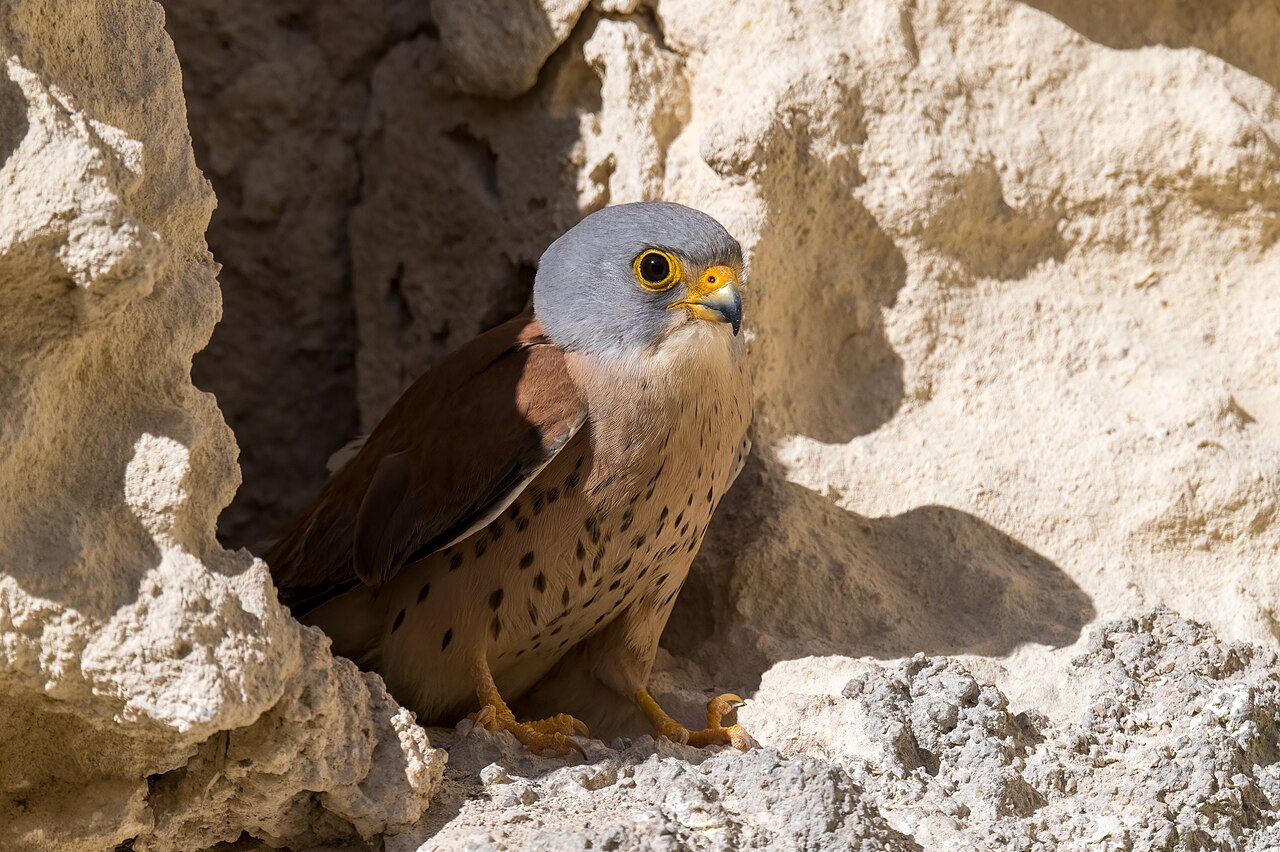 Falcons
Falconiformes
12 species
Falcons
Falconiformes
12 species
-
Parrots and passerines Psittacopasserae
Parrots and songbirds are sister groups - and they are precisely the two groups that pick up their sounds by learning them from others instead of inheriting them ready-made. Vocal learning is thus a mark of this whole branch and is found in few birds outside it. 328 species
-
 Parrots
Psittaciformes
5 species
Parrots
Psittaciformes
5 species
-
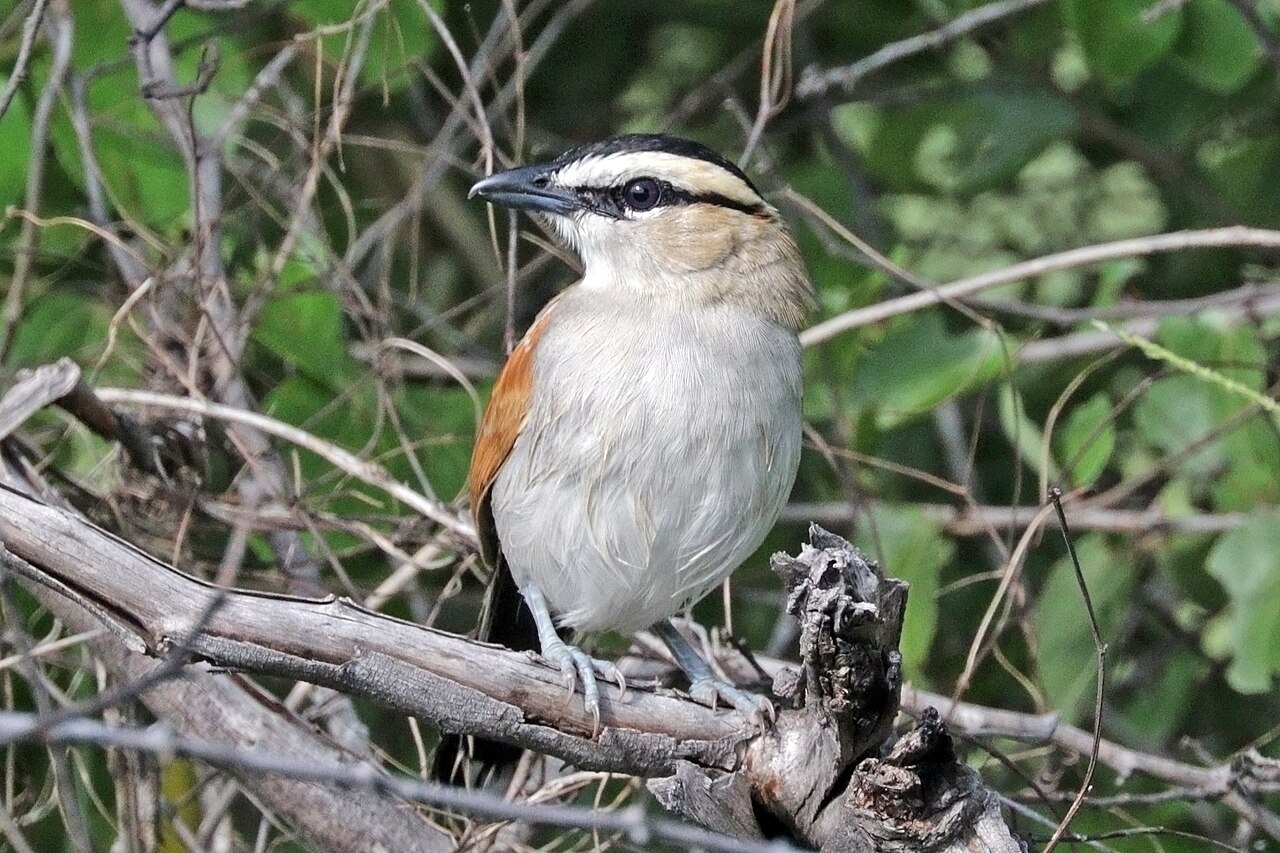 Passerines
Passeriformes
323 species
Passerines
Passeriformes
323 species
True songbirds Passeri
Crows and allies Corvides
Sparrows and allies Passerides
Tits, swallows and warblers Sylviida
Penduline tits Remizidae 2Tits Paridae 10Bearded reedlings Panuridae 1Larks Alaudidae 20Cisticolas Cisticolidae 2Reed warblers Acrocephalidae 18Grasshopper warblers Locustellidae 5Swallows and martins Hirundinidae 8Long-tailed tits Aegithalidae 1Bush warblers Cettiidae 2Leaf warblers Phylloscopidae 17Bulbuls Pycnonotidae 4Sylvia warblers Sylviidae 22Parrotbills Paradoxornithidae 2Laughingthrushes Leiothrichidae 3Thrushes, flycatchers and starlings Muscicapida
Finches, sparrows and buntings Passerida
Sunbirds Nectariniidae 1Weavers Ploceidae 2Indigobirds and whydahs Viduidae 1Waxbills Estrildidae 6Accentors Prunellidae 4Sparrows Passeridae 10Wagtails and pipits Motacillidae 18Finches Fringillidae 33Longspurs and snow buntings Calcariidae 2Buntings Emberizidae 17New World sparrows Passerellidae 4New World blackbirds Icteridae 1New World warblers Parulidae 3Cardinals Cardinalidae 1
-
-
-
-
-
-
-



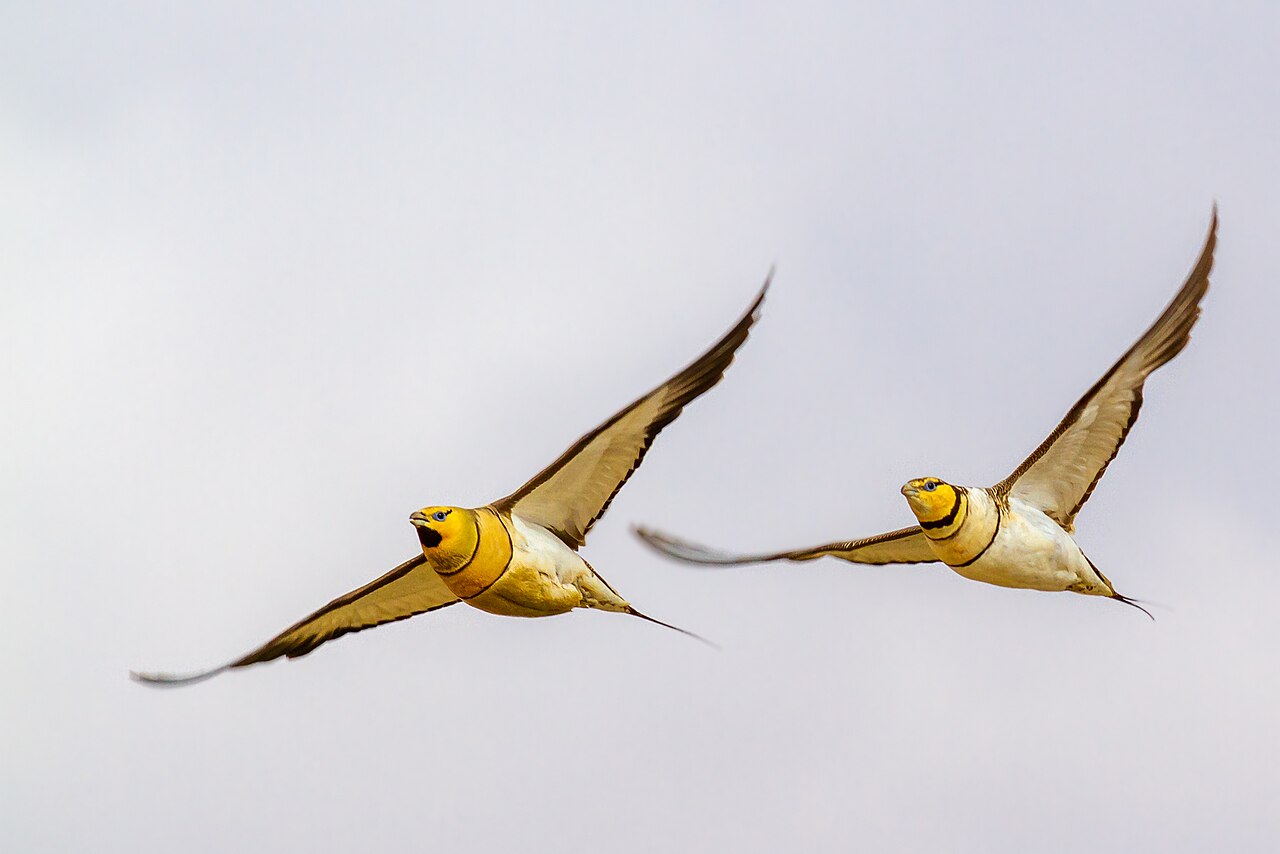


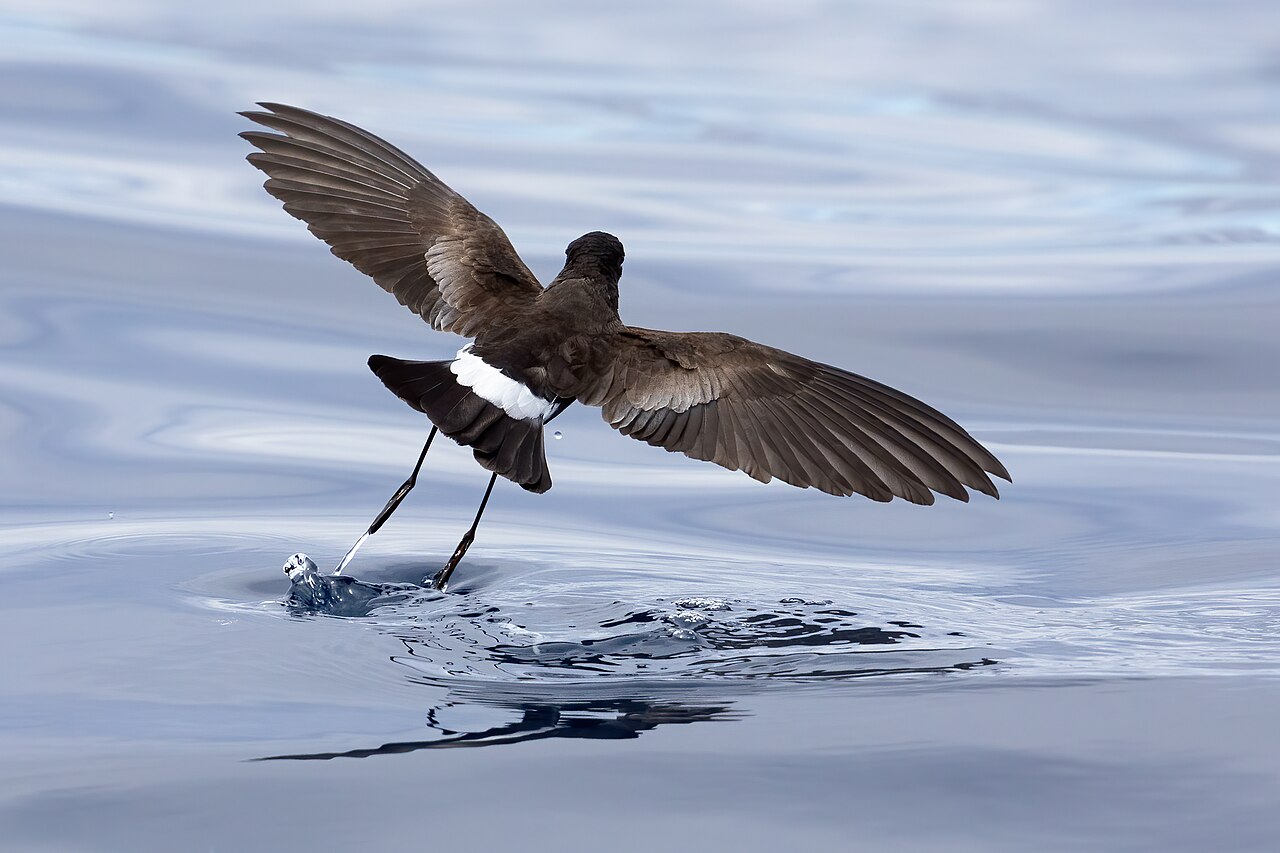
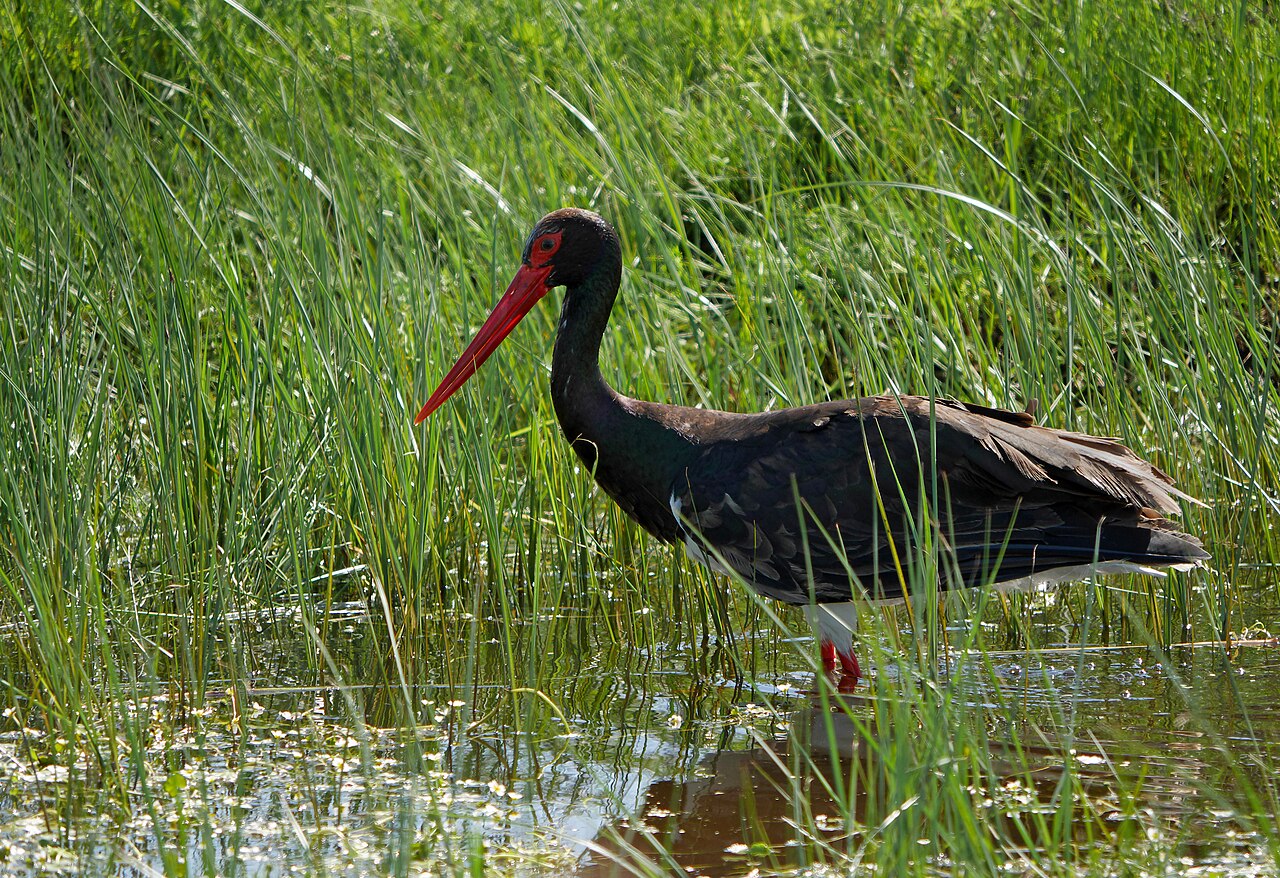

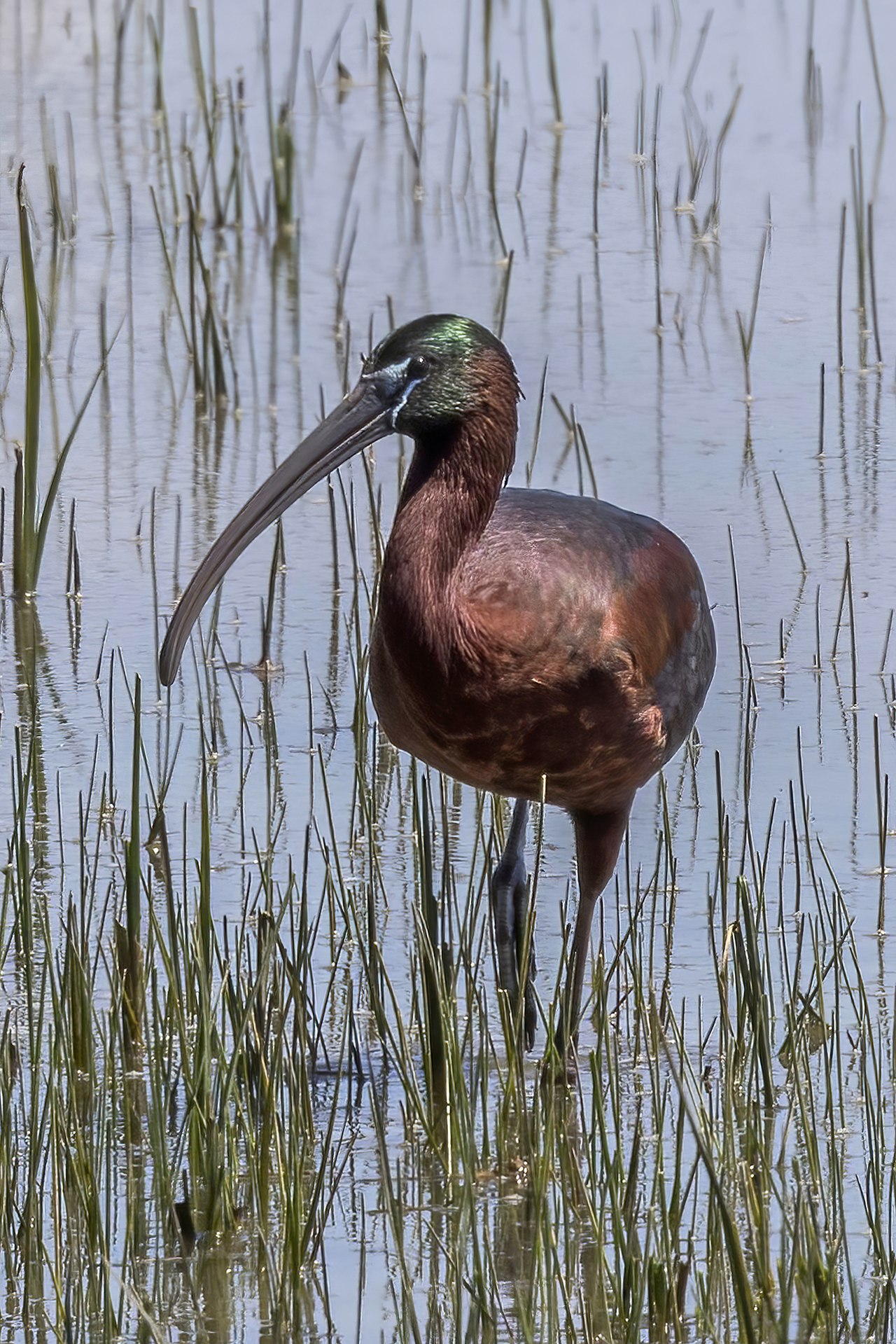


Source of the arrangement: The arrangement and sequence of orders, families, genera and species follow AviList; the clades above them follow the family-level genome tree of the B10K project and carry names from the PhyloCode. AviList v2025b · Stiller et al. 2024, Nature 629, 851–860 (B10K)
About this site
Birds of Europe is an educational site about the birds of the European continent, made for people who want to go beyond a first identification. It is deliberately lightweight: static HTML, no trackers, no cookies.
On your phone
This site can also be used as an app: with its own icon on your home screen, and without the browser's address bar around it. Nothing comes from an app store — it is the same site, just opened differently, with no install step and no account.
On iPhone and iPad (Safari)
- Open this site in Safari.
- Tap the share icon at the bottom — the square with an arrow pointing up.
- Scroll down to “Add to Home Screen” and tap it.
- Change the name if you like, then tap “Add” in the top right.
On Android (Chrome)
- Chrome usually shows an “Install app” bar at the bottom — tap it.
- If that bar doesn't appear, tap the three-dot menu in the top right instead.
- Choose “Install app” or “Add to Home screen” and confirm with “Install”.
Samsung Internet phrases this slightly differently: “Add page to”, then “Home screen”.
The language you get is whichever one you were reading the site in when you added it — for a different language, open the site in that language first and add it from there.
Nothing else changes: the same pages, the same content, still over the internet, just without the browser's own bar around it.
Taking it off again
- iPhone/iPad: press and hold the icon, choose “Delete App”, then “Remove from Home Screen”.
- Android: press and hold the icon and drag it to “Remove”, or choose “Uninstall”.